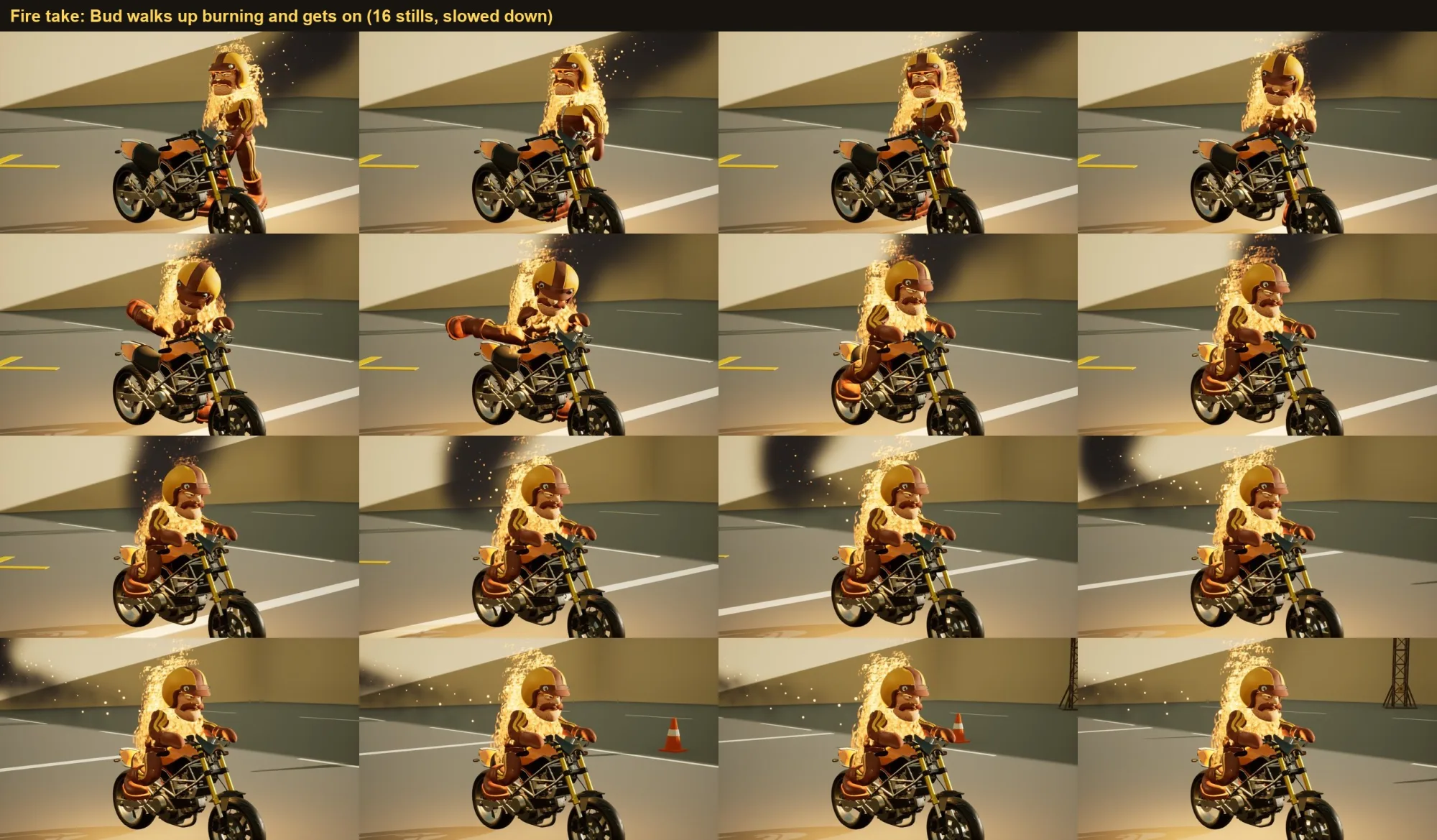
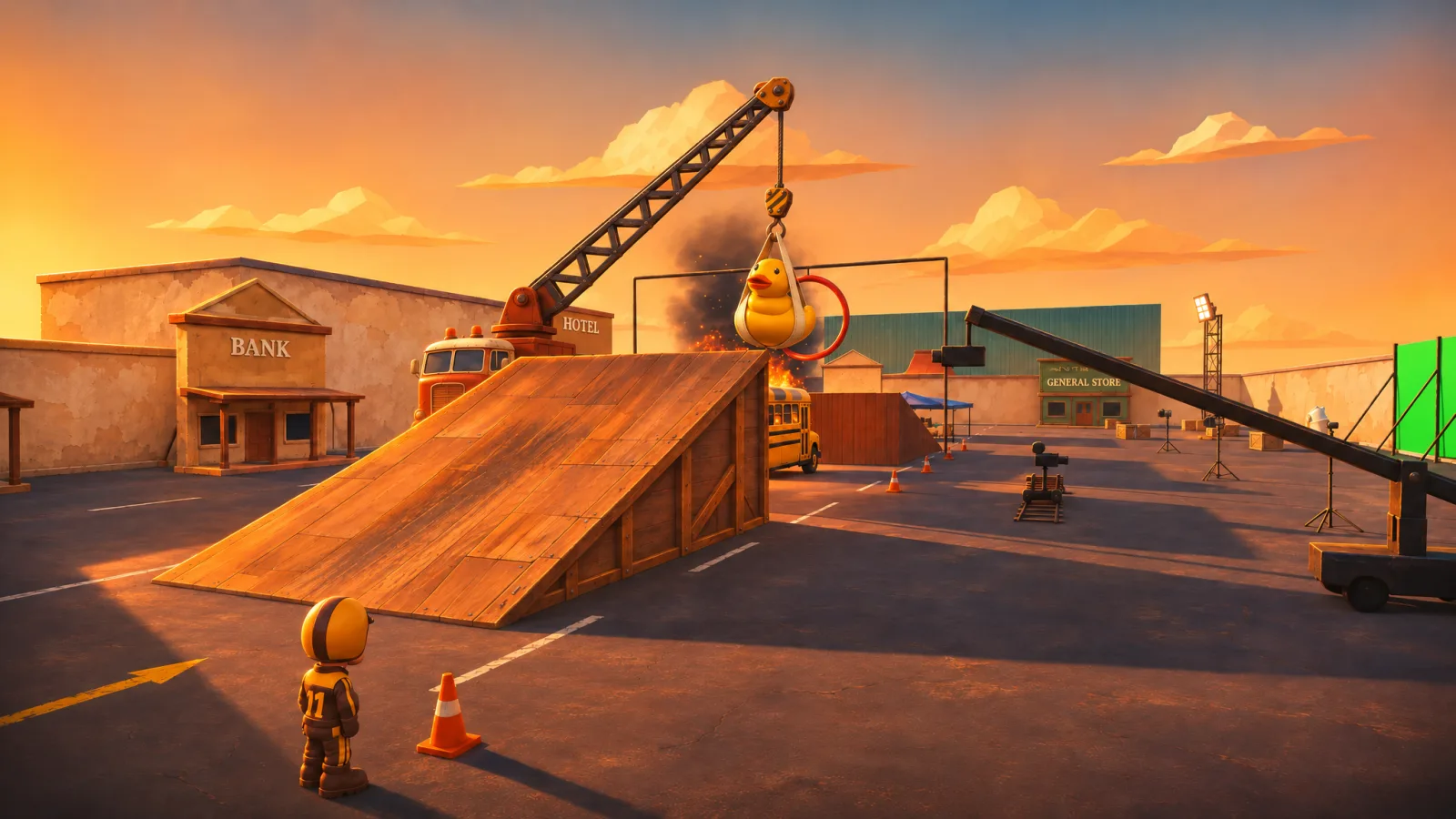
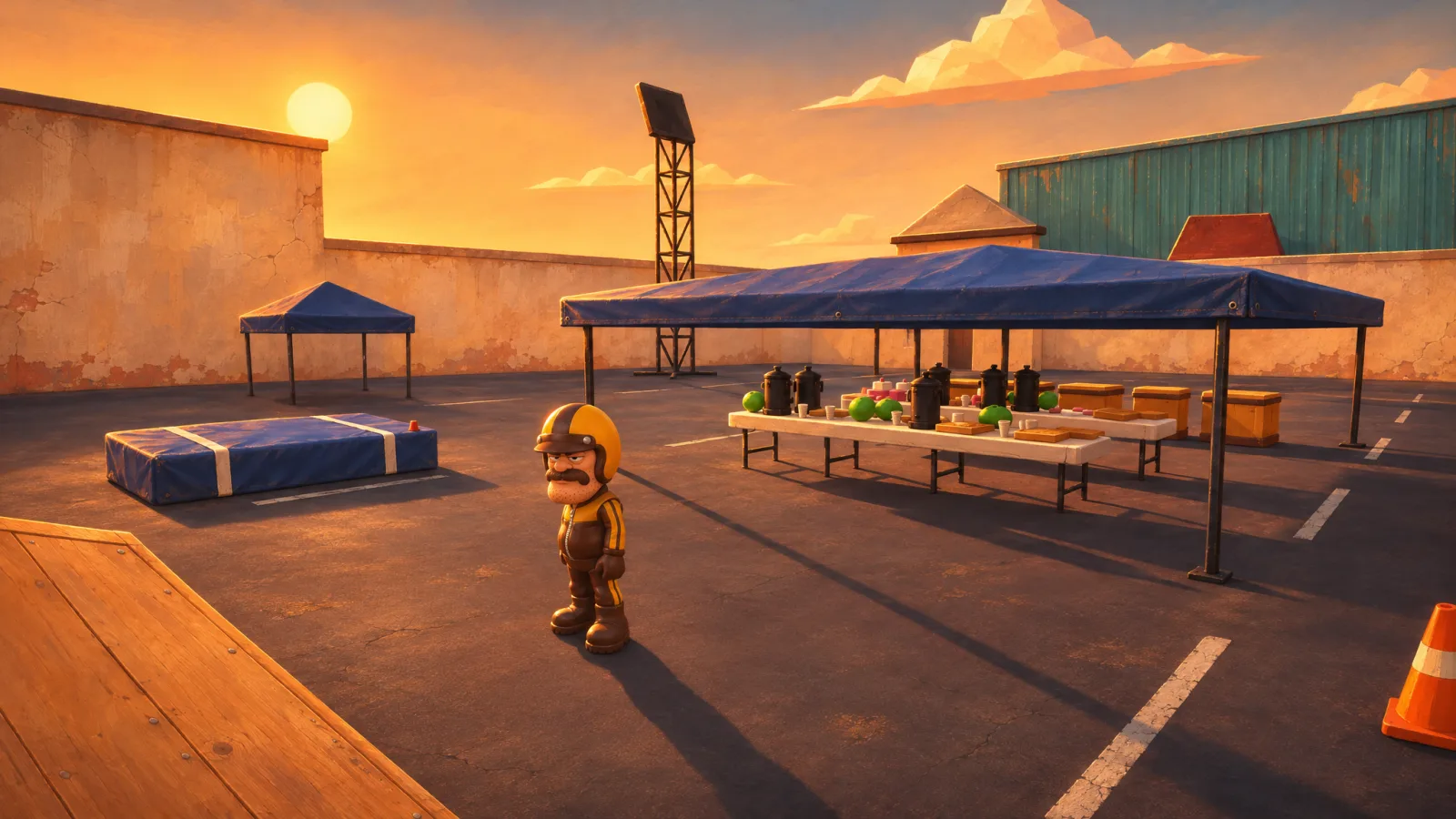
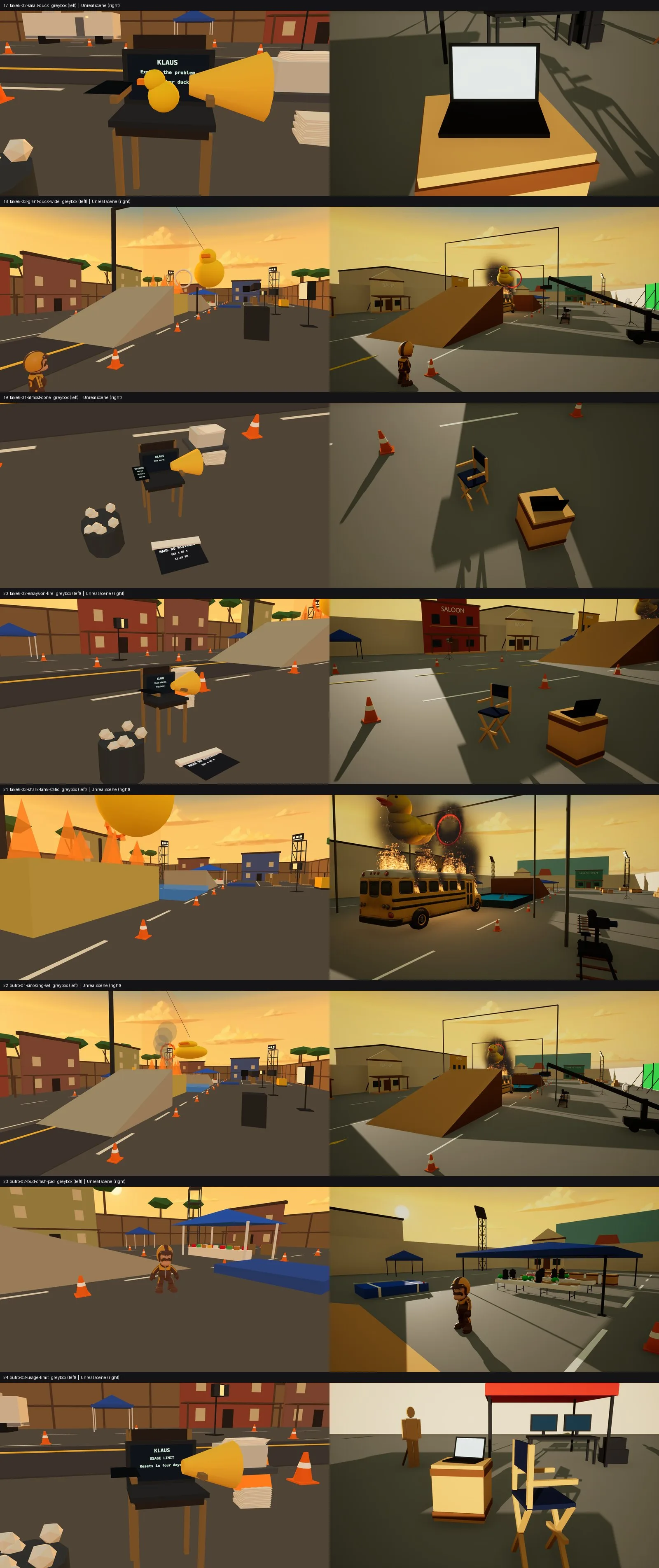
Make No MistakesBuild log

Rolling · day 4 of 4

2026 Epic AI MegaJam · Director's Cut

Make NoMistakes

Four days, one stunt game, logged take by take.

Make No Mistakes is a stunt game built in four days by a team of one, and a whole lot of AI agents.

The kicker? The whole thing is being built through the Unreal Engine 5.9 MCP: no human touched the Unreal Editor for all four days. It's an experiment in letting the agents take the controls and fix their own mistakes, building new tools and scripts so each take comes out better than the last. All the human does is direct, just like in the game itself.

This page is the record of how: the takes we kept, why we kept them, and the tools and changes behind each one.

The clock started at 11:00 PM on November 11. A separate agent keeps the log and posts entries while the work is happening, newest first, each one with the still or clip that shows the result.

Newest first. All times Pacific. Deadline Nov 15, 5:59 PM PST.

Day 4Nov 15

Take 022

Day
Day 4
Shot at
Clips
1

Day 4: the final take. Make No Mistakes is out

What we did

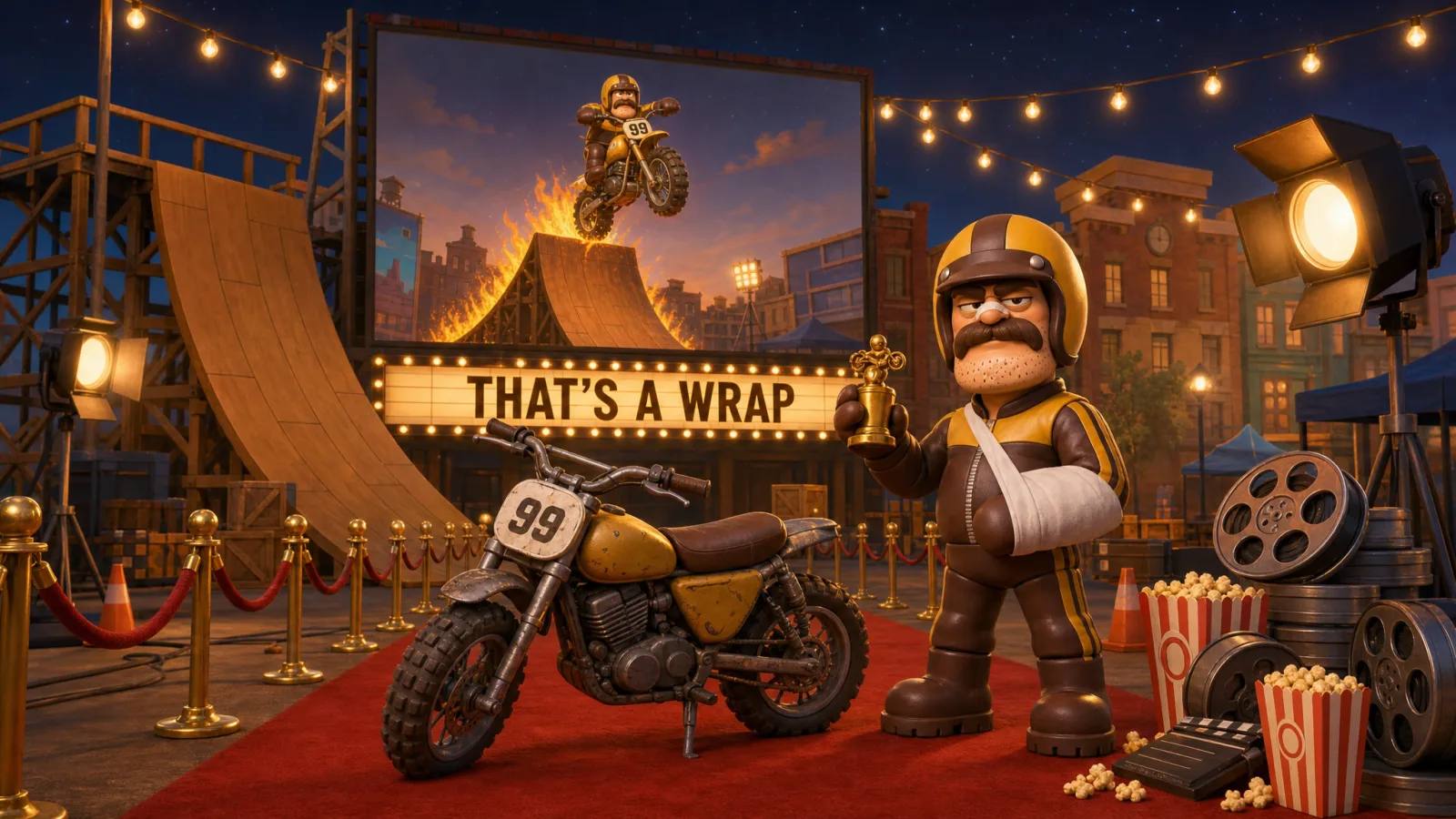
Make No Mistakes is out. You can download it on itch.io. It is free and it runs on Windows. It is our entry in the 2026 Epic AI MegaJam.

We announced it on X with a teaser. The clip in this take is that teaser. It runs for 47 seconds.

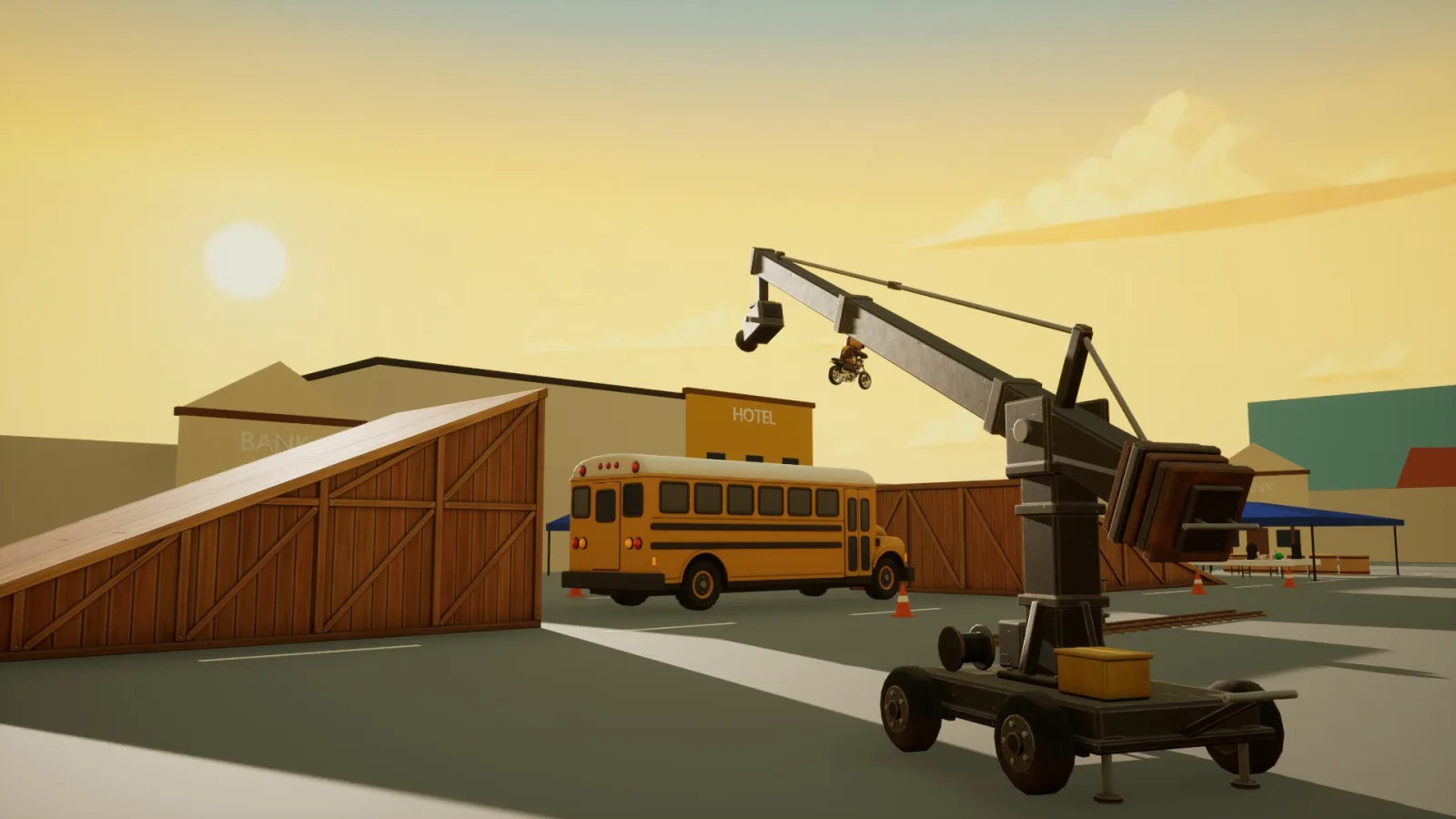
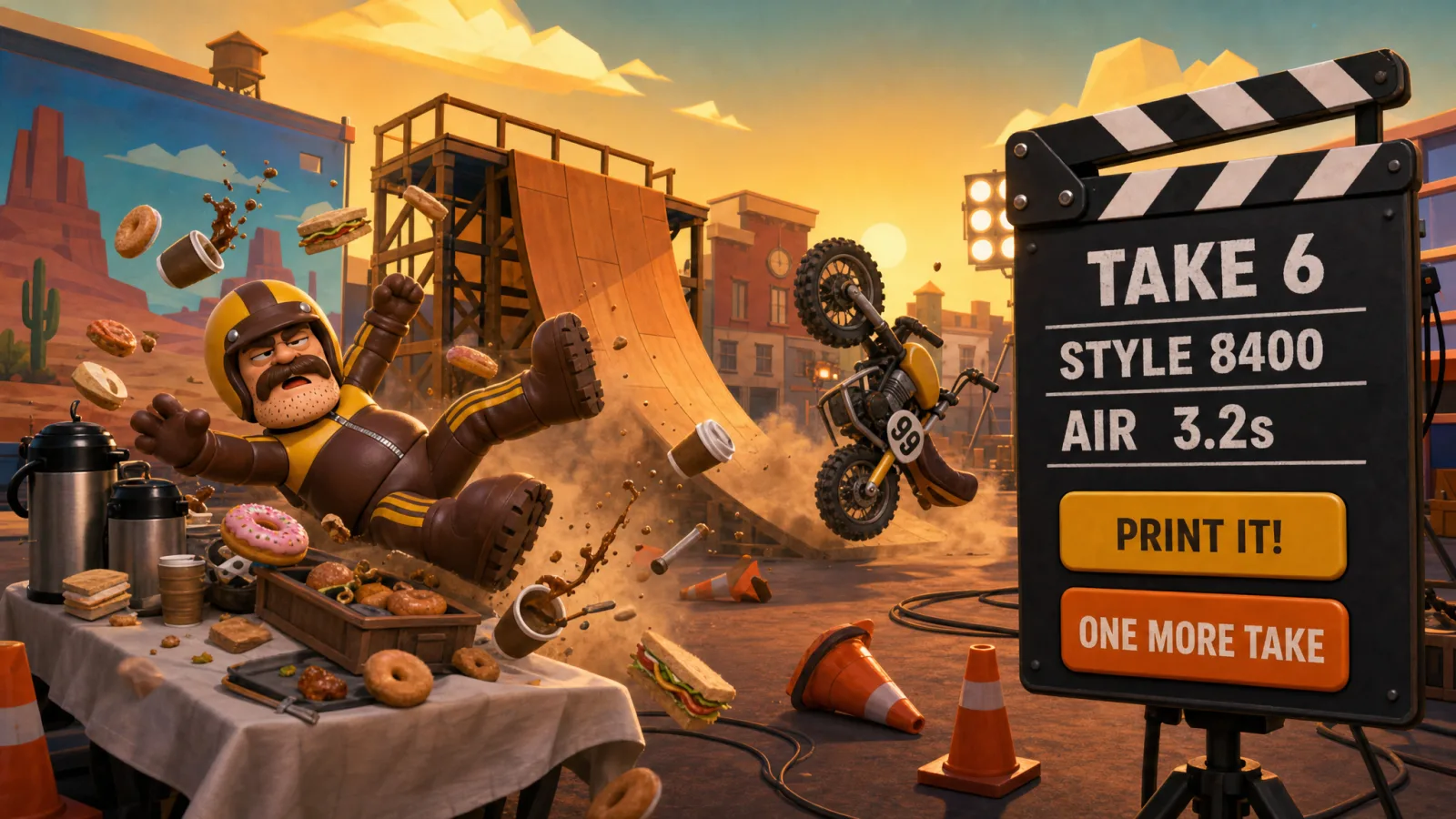
The teaser starts on the game's start screen. Then fast cuts show the lot: the big ramp, the burning school bus, the hoop and the giant rubber duck on its crane. Two cards tell the story: THE STUDIO SAYS YOU'RE OUT OF IDEAS. SO YOU HIRED AN AI DIRECTOR. After that Bud Sprocket rides, and for most of it he is on fire. He jumps the burning bus and flies past the duck and through the burning hoop. He does not always land it: he ends up in the snack tent, twice. The last shots come from the Director's Cut, the reel that the game cuts from your own run.

The agents even helped to make the itch.io page. One agent wrote the description, the install notes and the tags, and picked the colours of the page so that it matches this log. Another agent made the pictures: the cover, the banner, the background and the five screenshots. The human edited the text, uploaded the pictures and the game, and pressed publish.

Why

This is the last take in this log. The jam ends today at 5:59 PM Pacific time, and our entry is in.

From now on the game page stays as it is. We will not update it, so that our entry keeps to the jam guidelines. The jam lets you keep working on your game after it ends, as long as the jam version stays your submitted build.

And the agents do keep working. After the jam they go on with two things: making the game multiplayer, and getting it to work with Otherside. None of that goes on the game page.

There may be even more. The jam gives Development Continuation Grants to some entries, so that their makers can keep developing the game. With a grant like that, we might see even more of Make No Mistakes. The jam announces its winners by January 29, 2027. That is when we find out.

In the meantime, visit the jam page and try all the amazing other entries. There are hundreds of them. That is plenty to hold you over.
The teaser, the same clip as in the announcement on X. The clip has sound.
Tools
  • itch.io
  • Unreal Engine 5.9
  • GPT 6 Astra
  • Fable 5.2

Day 3Nov 14

Take 021

Day
Day 3
Shot at
Stills
1

Day 3: we teach the AI to spell GENERAL STORE

What we did

The game has a short story video before each take, plus an intro and an outro. That is seven videos. Tonight we polish them, shot by shot. We use Unreal Canvas, fal.ai and Runway with Seedance 2.5 for the picture.

The main thing we fix is how AI handles words and letters. An AI video model is good at light, fire and ducks. It is less good at spelling. Sometimes it scrambles the letters on a sign.

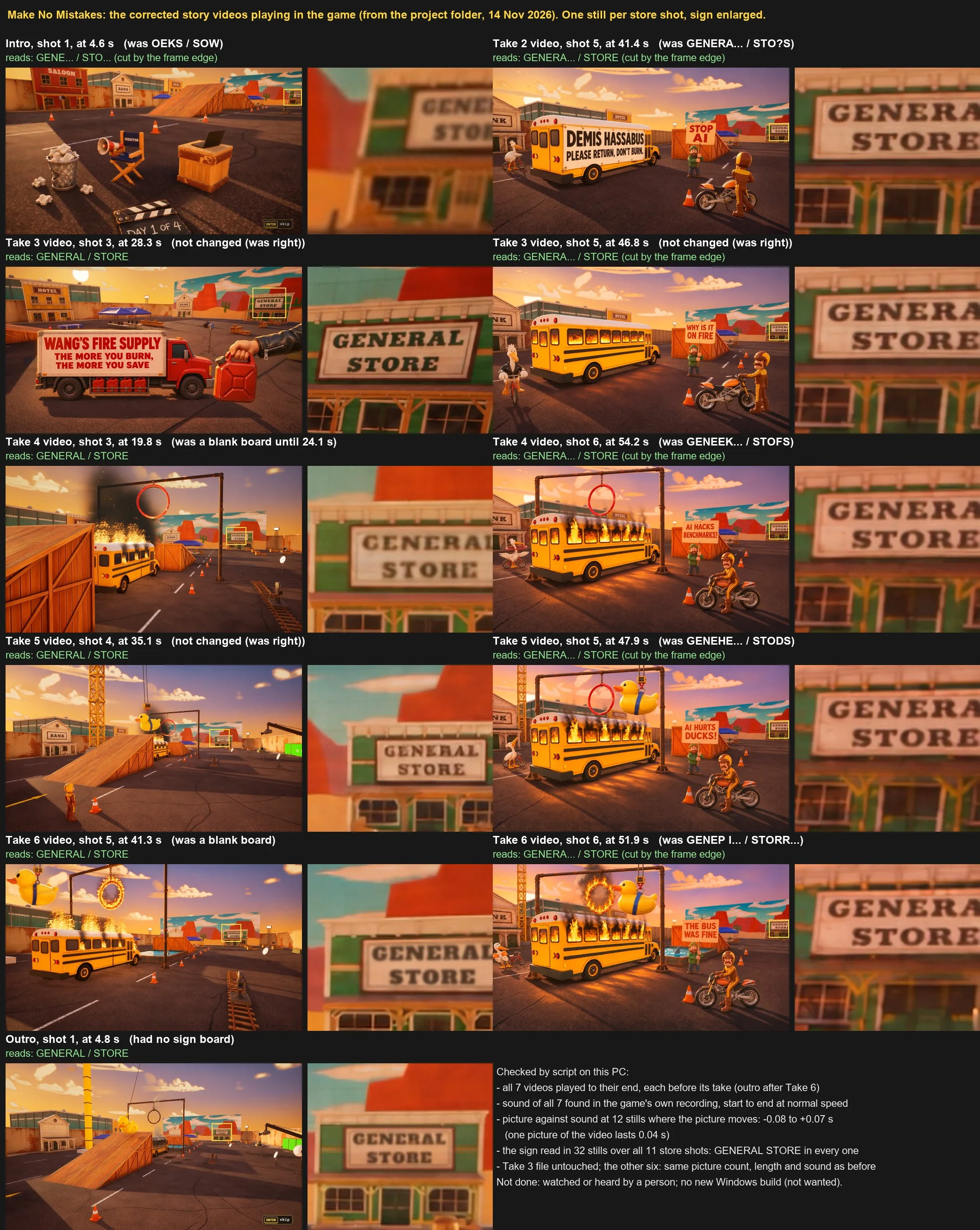
Our best example is the general store at the back of the lot. In the intro its sign read OEKS SOW. In other videos it read GENEEK STOFS and GENEHE STODS. In two shots the board was blank, and in the outro there was no board at all. In three shots the AI got it right, and we left those alone.

Now the sign reads GENERAL STORE in all eleven shots that show the store. The picture has one still from each of those shots, with the sign enlarged next to it. In some stills the edge of the frame cuts the sign off, so you only see a part of it.

We also improve the sound of the videos while we go over each shot.

Why

This is not a major problem. The sign is small and far away, and most players will never read it. But it is nice when it is correct, and a game called Make No Mistakes should be able to spell its own shop.

So we go over every shot, one at a time. The same pass is a good moment to fix the sound, because we watch and hear each video again anyway.

A sheet of eleven stills from the story videos in the game, each with an enlarged view of the general store sign next to it. The stills show the film backlot at sunset: the director's chair and a bin of crumpled paper, a yellow school bus with DEMIS HASSABUS, PLEASE RETURN, DON'T BURN on its side, a red truck from Wang's Fire Supply, the bus on fire under a hoop, a giant rubber duck on a crane, and a small man who holds signs such as STOP AI and AI HURTS DUCKS. A label above each still names the video and the shot, and says what the sign read before, for example OEKS SOW, GENEEK STOFS or a blank board. In every enlarged view the green and white sign now reads GENERAL STORE, or the first letters of it where the frame cuts it off. A note at the bottom lists the checks a script made: all seven videos played to their end, and the sign was read in 32 stills over the eleven store shots. It also says that no person has watched or heard the result yet.
One still from each shot that shows the store, with the sign enlarged. Above each still: what the sign read before.
Tools
  • fal.ai
  • Runway
  • Seedance 2.5
  • ElevenLabs
  • Unreal Engine 5.9
  • Unreal Canvas
  • GPT 6 Astra
  • Fable 5.2

Take 020

Day
Day 3
Shot at
Clips
1

Day 3: the intro video is in, and the game is locked so we can polish it

What we did

The game now has a real intro video. It is called Out of ideas, it runs for 65 seconds and it plays after you press Play, before take 1. It has four shots.

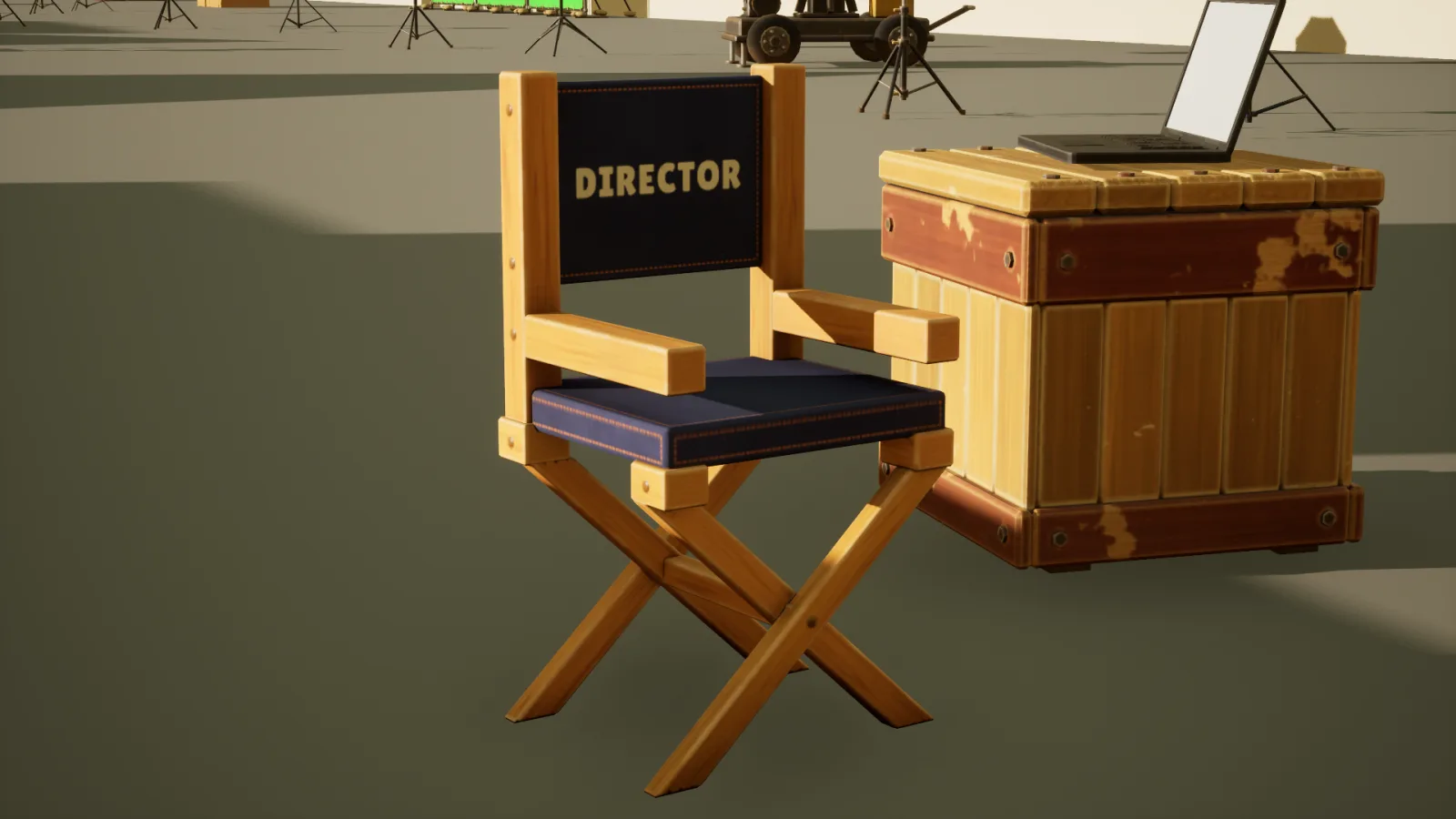
The first shot is the empty backlot at sunset: the director's chair with a megaphone on the armrest, a bin full of crumpled script pages, and a slate on the ground that reads day 1 of 4. The second shot is a laptop on a crate. Its screen shows one word: KLAUS. In the third shot Bud Sprocket stands next to his bike with his arms crossed, and behind him a pelican falls off a bicycle. In the last shot Bud looks at the pelican, looks at the camera and puts his helmet on.

You only hear the director and Klaus. The director tells Bud that the studio says he is out of ideas, so he got help: Klaus, an AI director. He first tried a pelican on a bicycle. The studio gives them four days to film everything. Klaus says four days is plenty. The director says it is not. Then he asks for a simple shot: bike, ramp, make no mistakes.

Each shot starts from a still of the real set in Unreal Engine, so the video looks like the game. Seedance 2.5 on Runway turned the stills into moving shots.

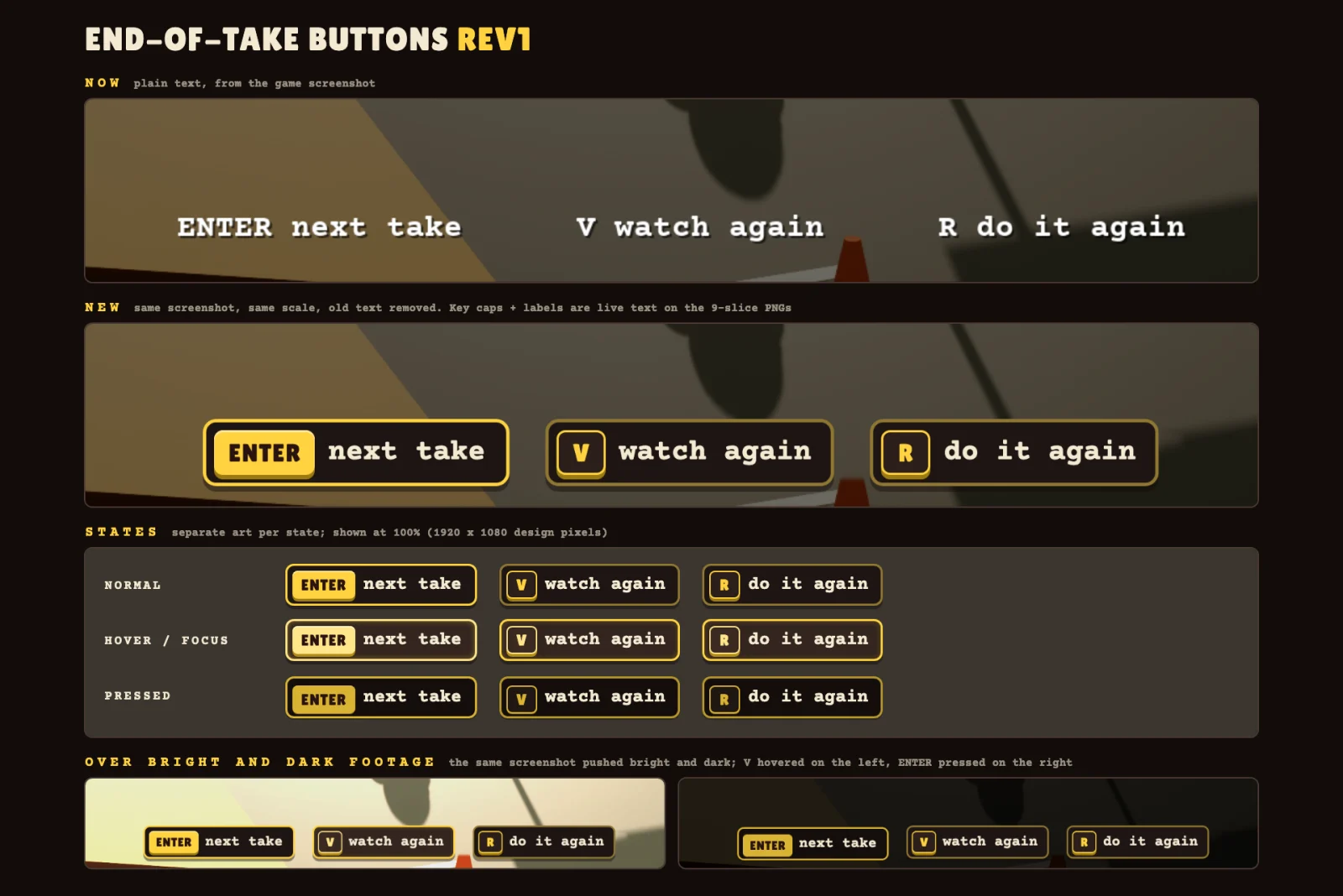
This is also where the big work stops. The game is now locked: we add no new big systems. Today we finish the screens and buttons, make the videos that play between the takes, and fix small things.

Why

The intro explains the game before you play it. You learn who Klaus is, why there are four days and where the name Make No Mistakes comes from. A video does this faster than cards with text.

We lock the game because the jam ends tomorrow. A new big system this late can break things that work now. With the game locked, the whole day goes to polish, and tomorrow we can deliver a game that is finished.

Out of ideas: the intro that plays before take 1, in four shots. The clip has sound.
Tools
  • fal.ai
  • Runway
  • Seedance 2.5
  • ElevenLabs
  • Unreal Engine 5.9
  • Unreal Canvas
  • GPT 6 Astra
  • Fable 5.2

Day 2Nov 13

Take 015

Day
Day 2
Shot at
Stills
2

Day 2: the western fronts get closer to the concept art

What we did

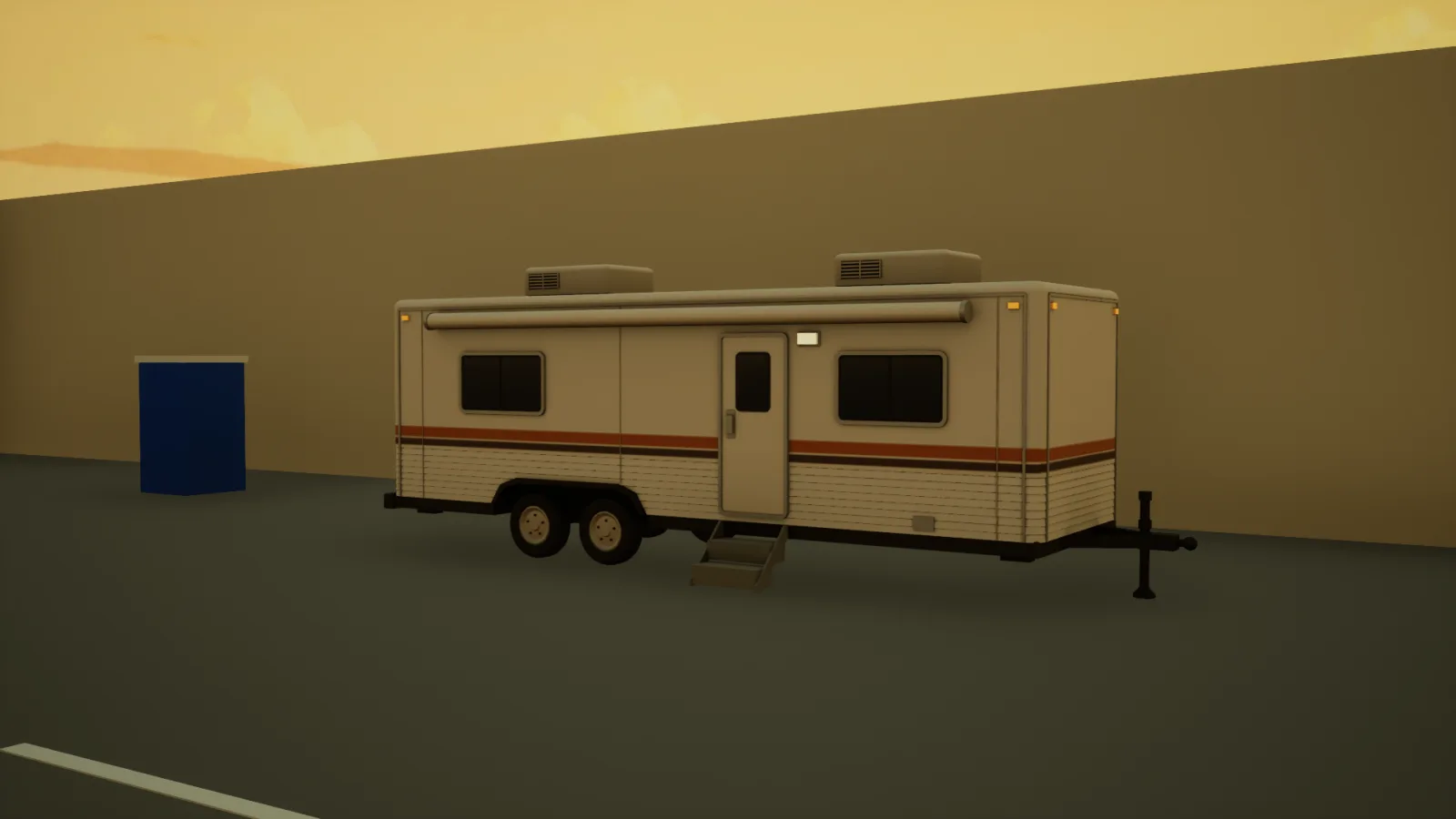
The level is a film backlot, and part of it is a western street. The buildings on that street are fronts: a painted wall at the front, bare boards and wooden braces at the back, like on a real film set.

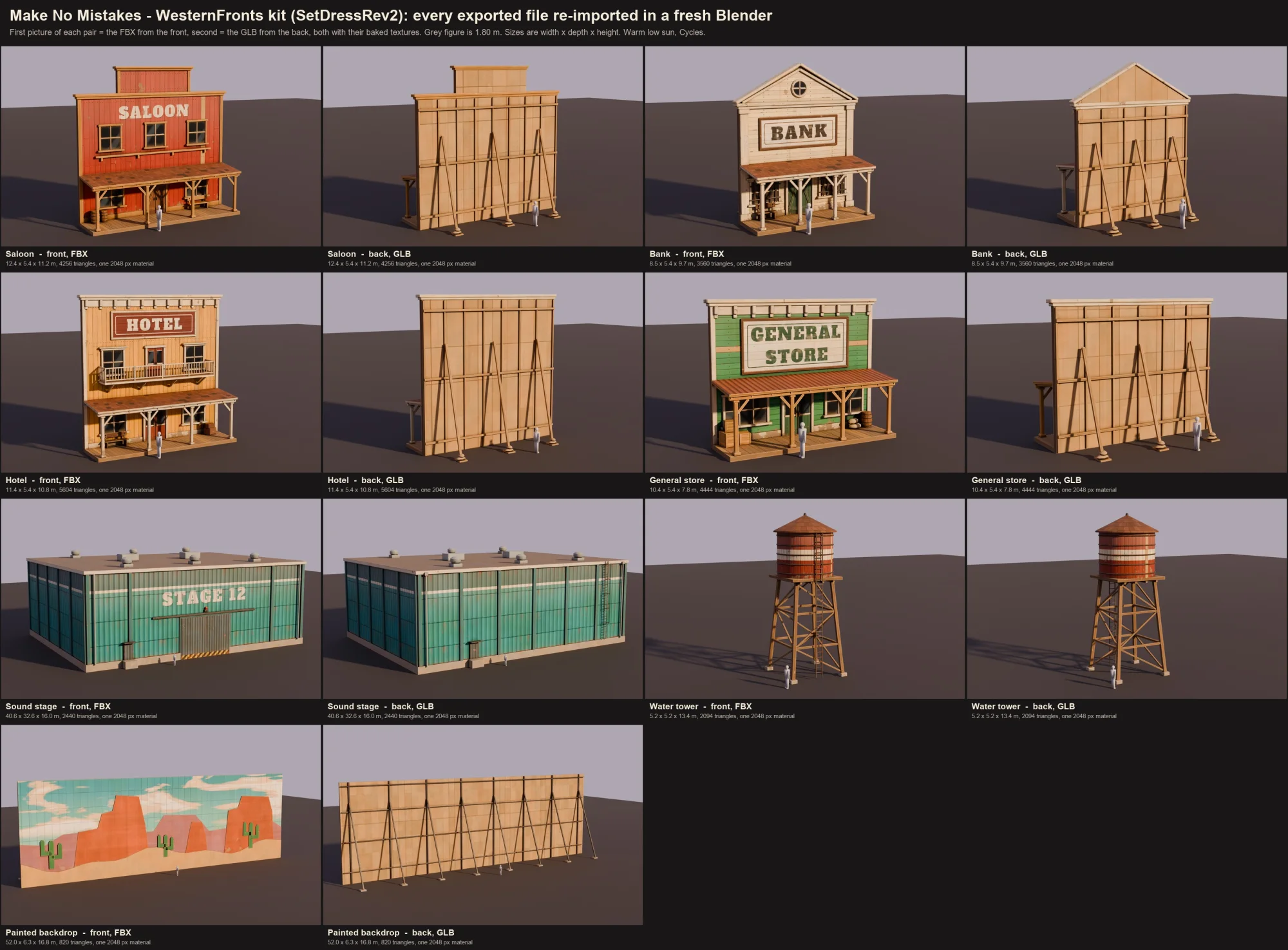
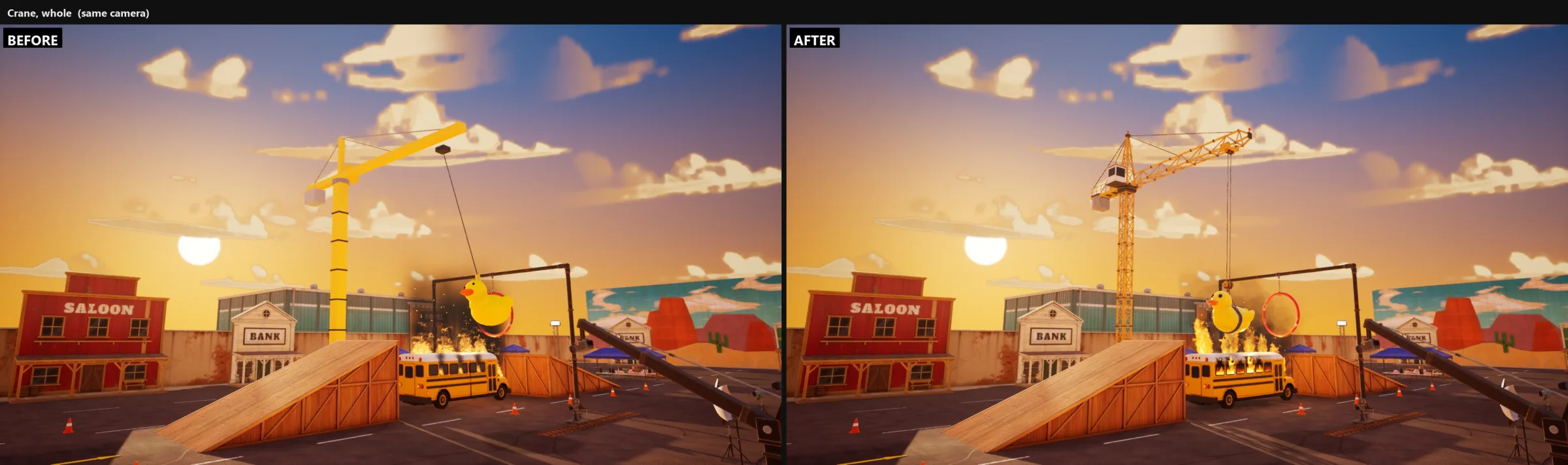
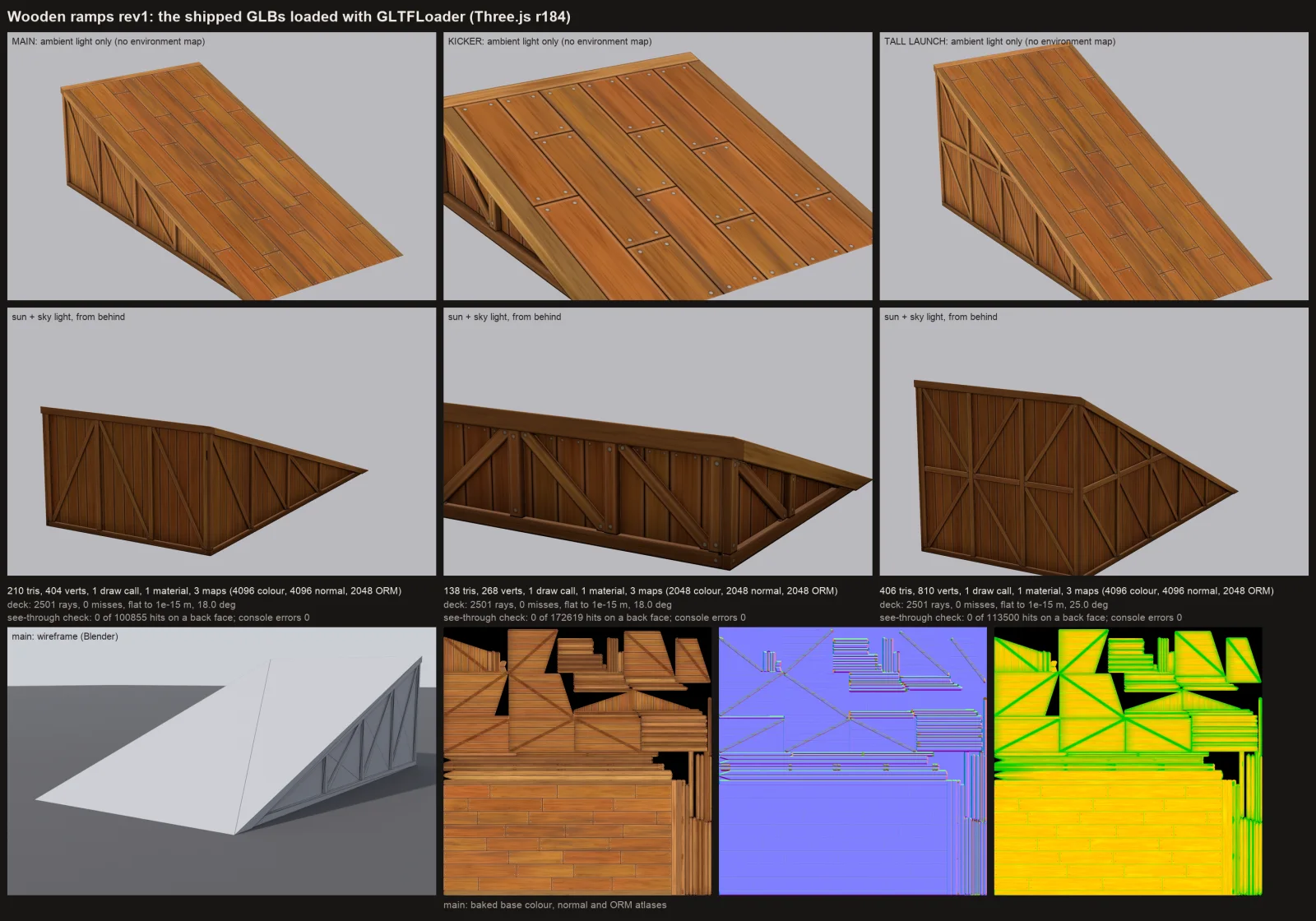
We updated those fronts and the props around them. The kit now has a saloon, a bank, a hotel and a general store. It also has a sound stage with Stage 12 painted on it, a water tower and a long painted backdrop with a desert and cactuses.

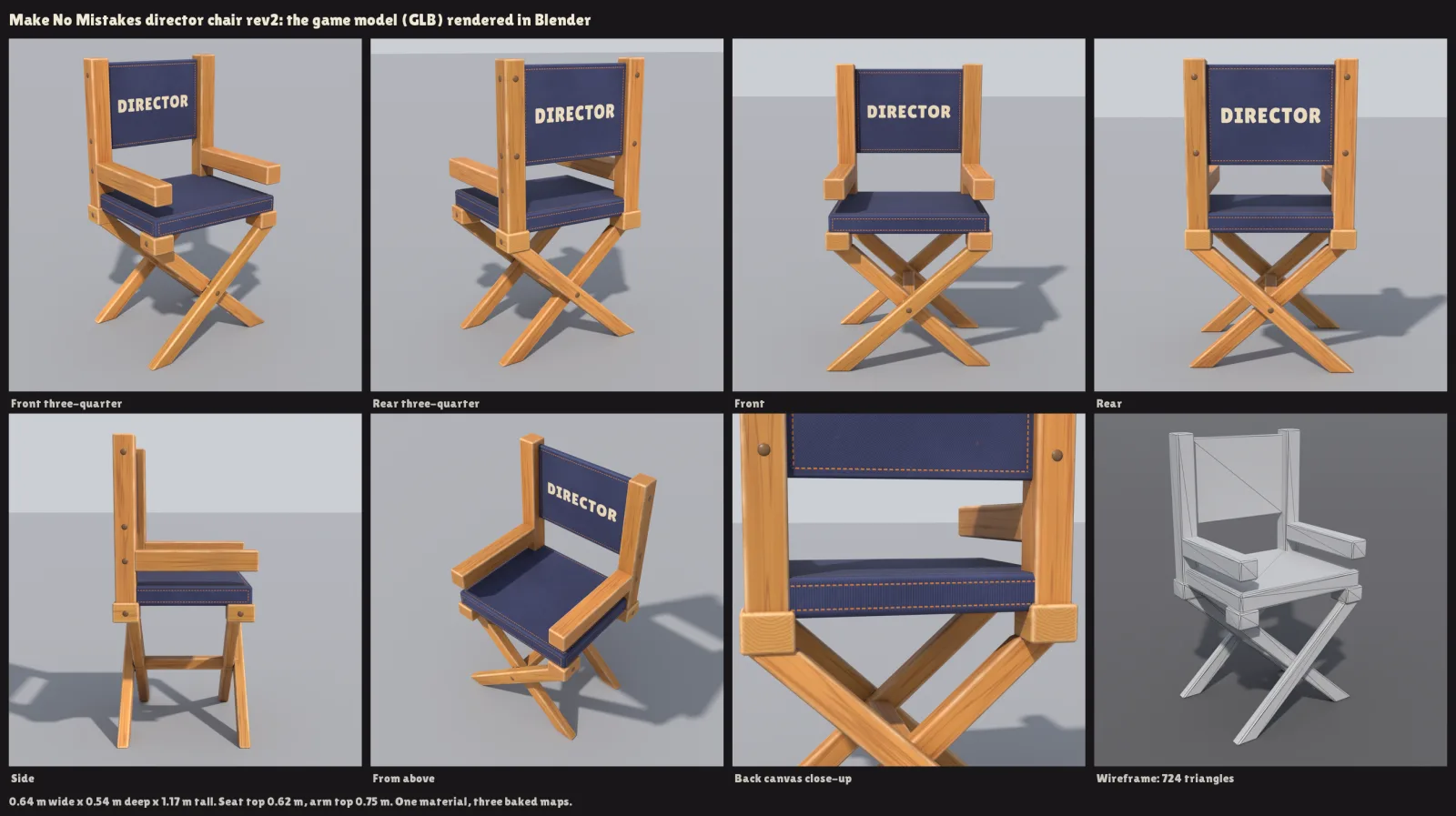
All the looks were made with AI, using Blender. Each model was saved, opened again in a new Blender file and photographed from the front and from the back. The grey figure in each picture is 1.80 m tall, to show the size.
Why

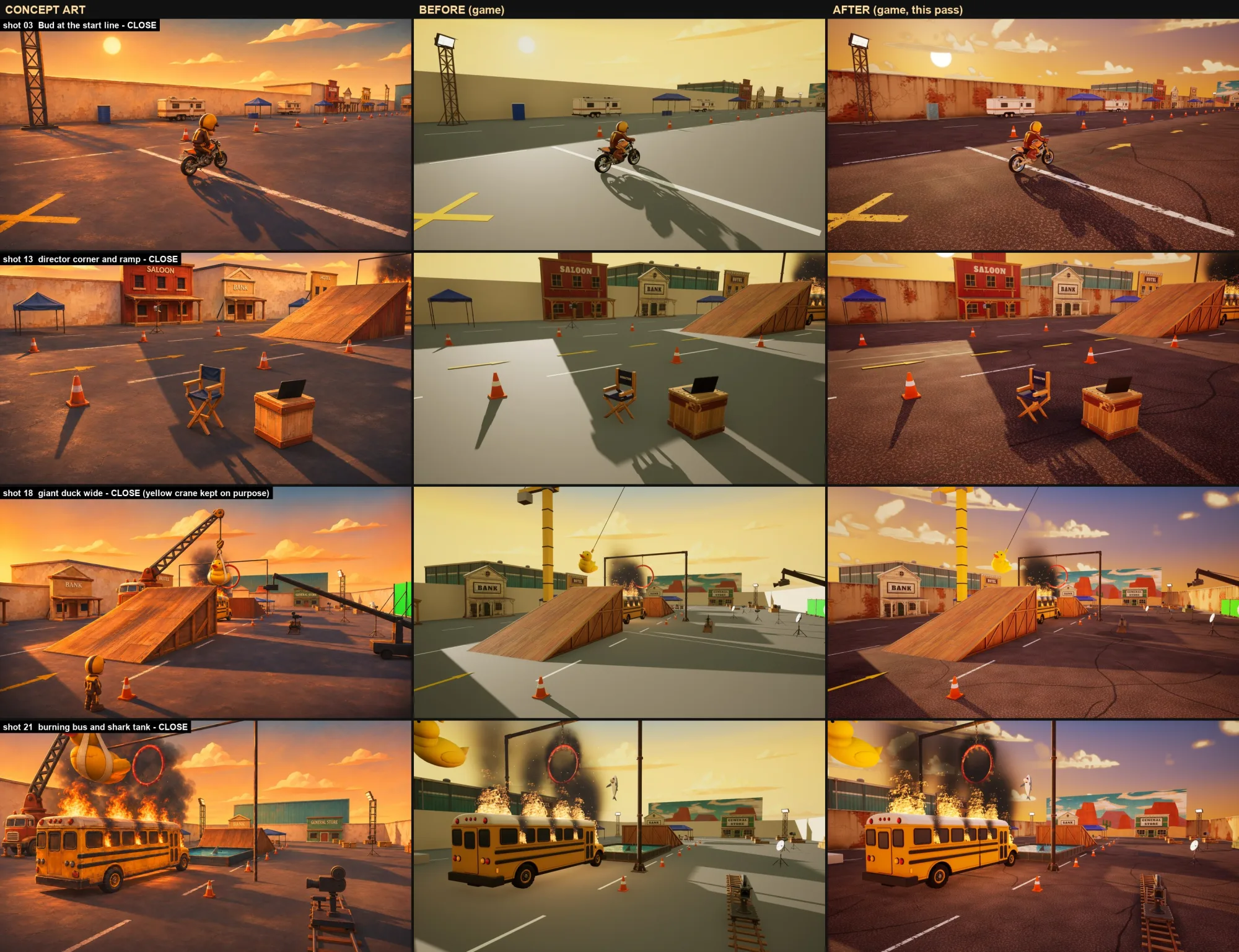
We are getting closer to the look of the concept art, step by step. The fronts are a big part of what you see while you ride, so they need the right colours, the right signs and the right amount of wear.
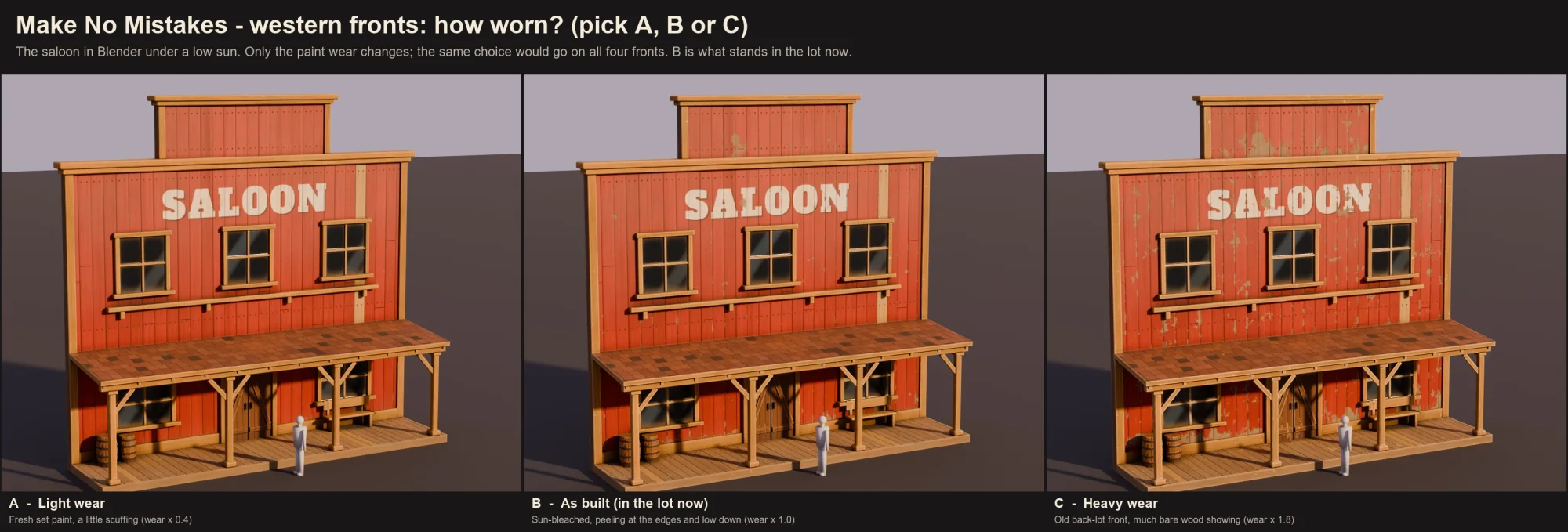
Wear is the open question. The second picture shows the saloon three times: with fresh paint, with sun-bleached paint that peels at the edges, and with a lot of bare wood. The middle one is in the level now.
A contact sheet of fourteen Blender pictures, two for each model: one from the front and one from the back. A red saloon, a cream bank, a yellow hotel and a green general store, each with a porch and a painted sign. From the back, each one is a flat wall of bare boards held up by slanted wooden braces. Then a teal sound stage with Stage 12 on the side, a red and white water tower on wooden legs, and a long painted backdrop of an orange desert with green cactuses. A small grey figure stands next to each model.
The whole kit, front and back. The buildings are only fronts, held up by braces.
The red saloon front three times, side by side, in Blender under a low sun. A, light wear: fresh paint with a little scuffing. B, as built: sun-bleached paint that peels at the edges and low down. C, heavy wear: much bare wood showing through the paint. A note says B is what stands in the lot now.
How worn should the paint be? A is light, B is in the level now, C is heavy.
Tools
  • Blender
  • Unreal Engine 5.9
  • GPT 6 Astra
  • Fable 5.2

Take 012

Day
Day 2
Shot at
Clips
1

Day 2: first gameplay footage, and the game makes its own Director's Cut

What we did

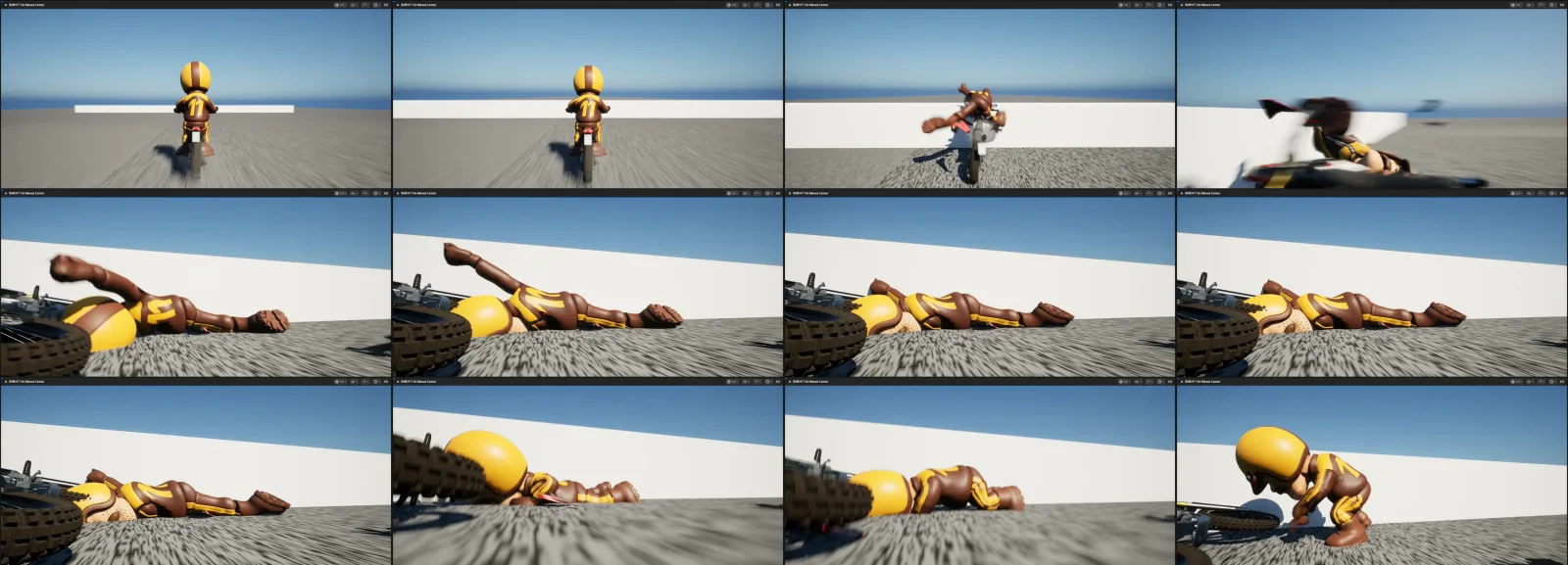
Here is the first gameplay footage: a one-minute video called The Director's Cut. It was made automatically. After you play, the game can turn your run into a video like this one, and this reel proves that the pipeline for it works. (A pipeline is the chain of steps from a recorded play session to a finished video.) It is still rough around the edges.

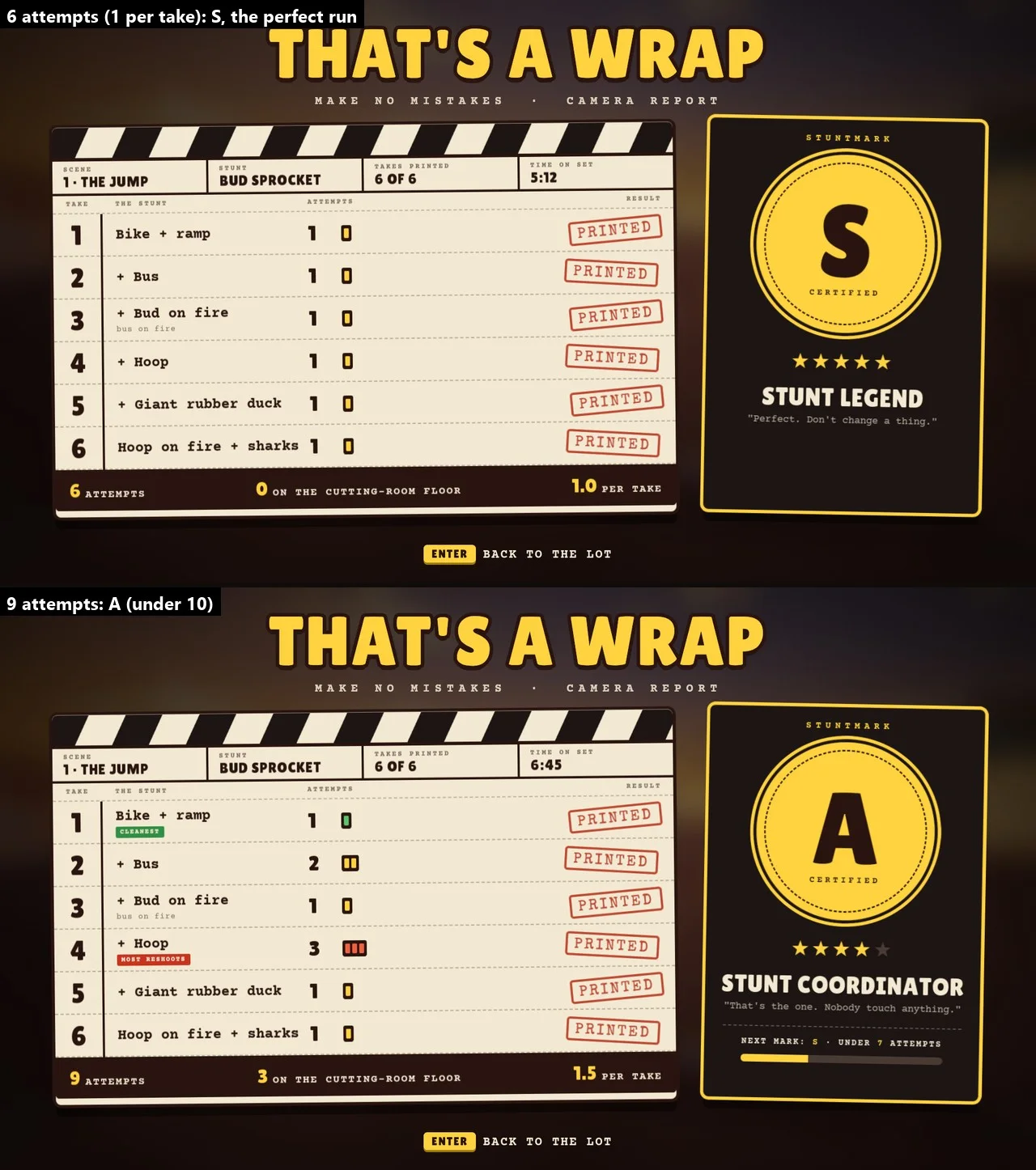
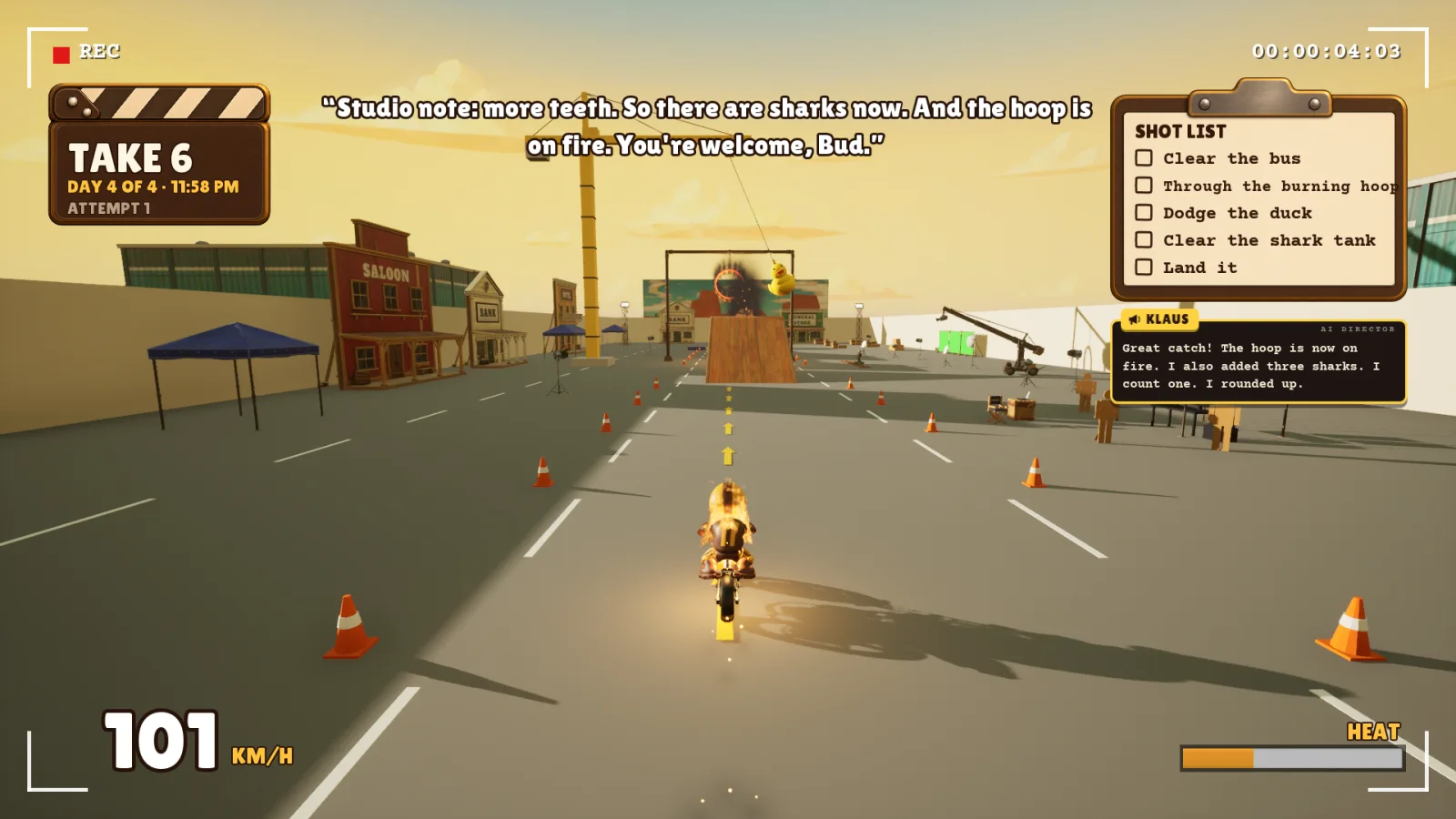
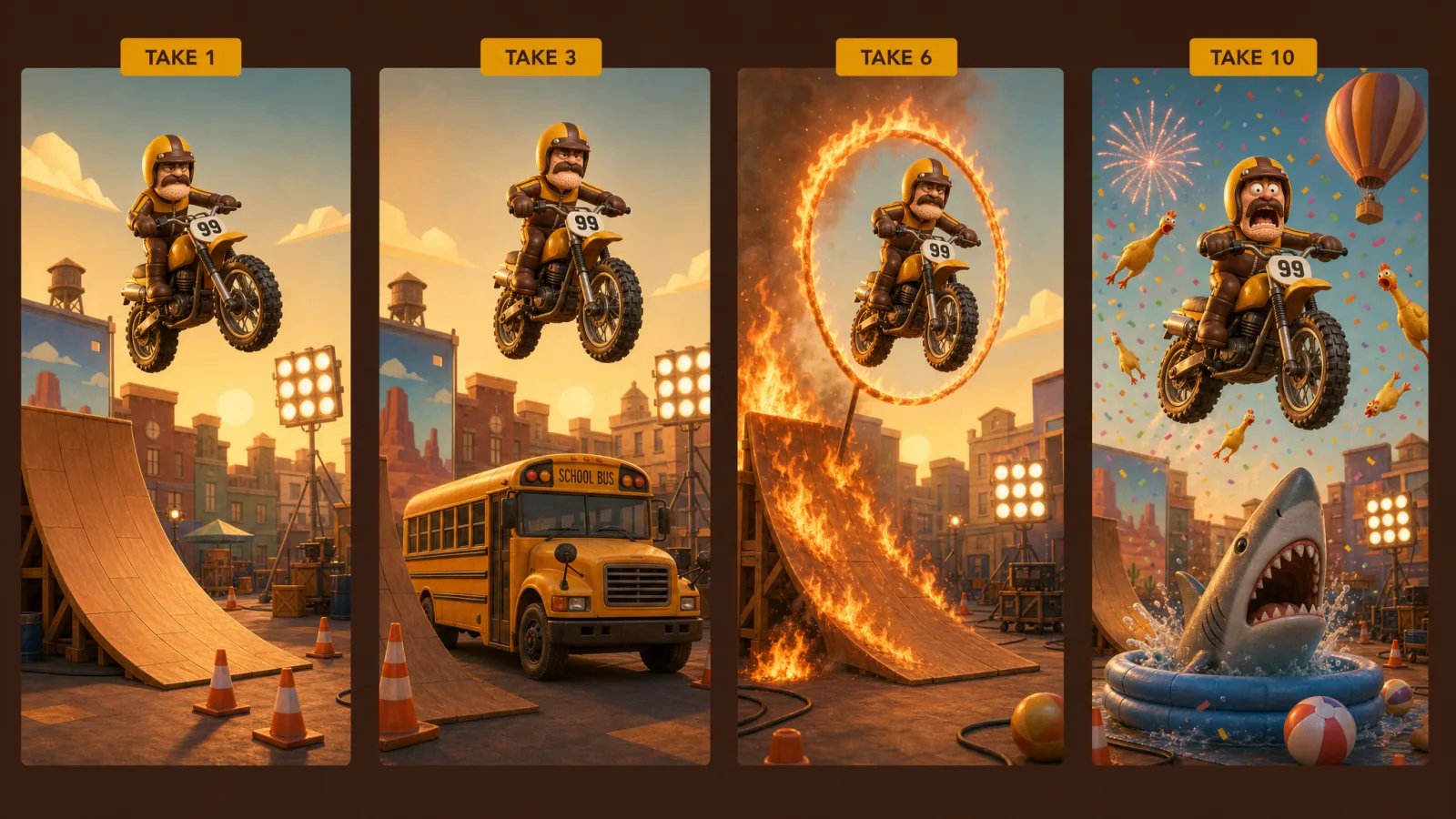
The reel opens on a title card: The Director's Cut. 12 attempts. 6 mistakes. All of it on film. Then it shows all twelve attempts in order, with the take and attempt number on screen. There are six takes, and each one adds something to the stunt: first only the bike and a ramp, then the school bus, then fire on the rider and the bus, then a hoop, then a giant rubber duck, and last a hoop on fire and sharks. The crashes are left in. The end card says: No mistakes were made. (6 mistakes fixed in post.)

Why

It proves the pipeline works. The game can go from a play session to a finished video without anyone editing it.

It fits the jam. The theme is Director's Cut, and here the game makes one out of your own run, mistakes included.

It is made for sharing. A one-minute reel with its own titles is easy to post on social media.

The Director's Cut: twelve attempts across six takes, in one minute. The clip has sound.
Tools
  • Unreal Engine 5.9
  • GPT 6 Astra
  • Fable 5.2

Take 011

Day
Day 2
Shot at
Stills
2

Day 2: a new options screen, with the sound under your control

What we did

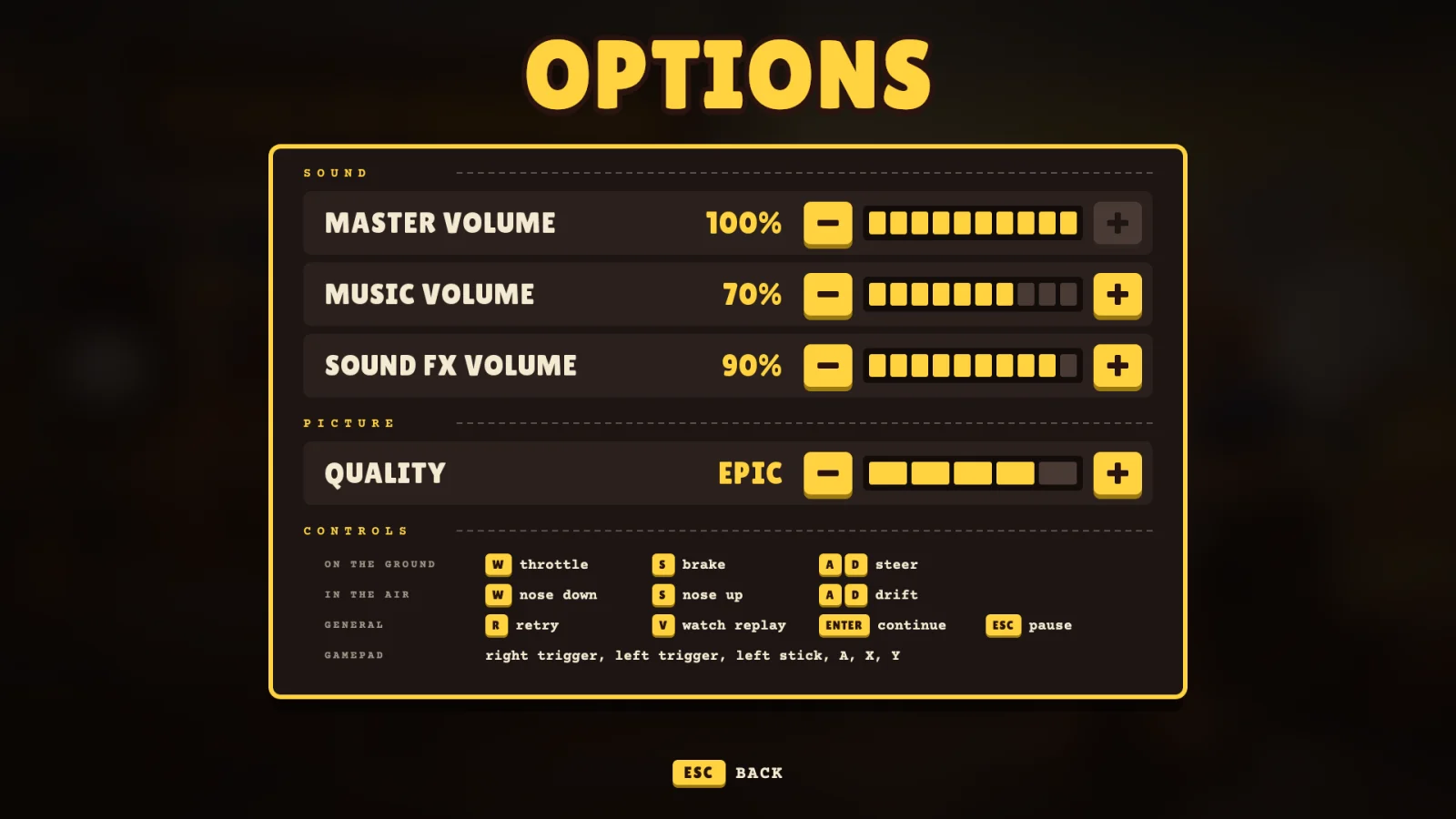
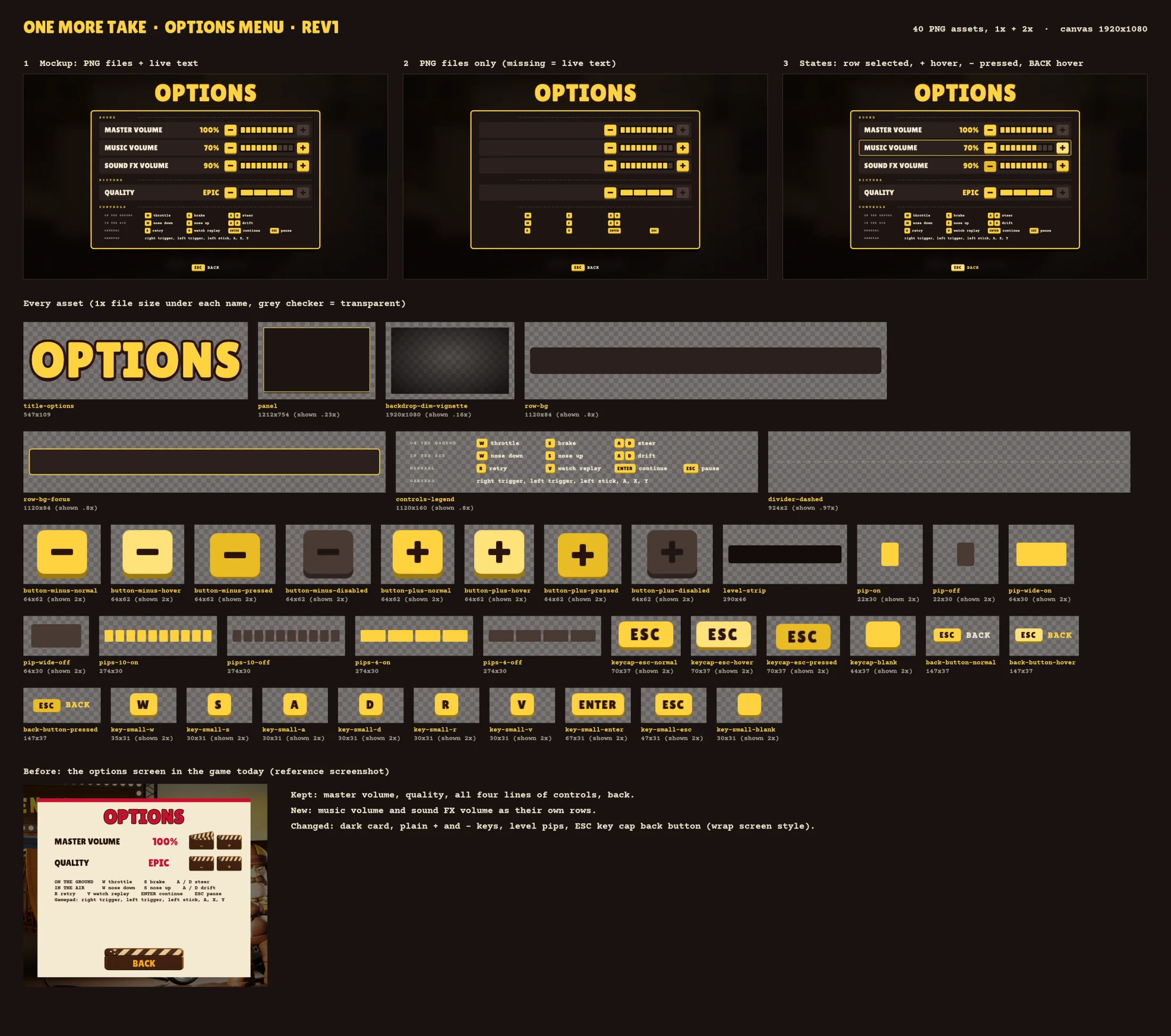
The options screen has been rebuilt. The old one was a rough placeholder; the new one matches the look of the rest of the game and is drawn in the game with Unreal Canvas.

The game has music and sound effects now, so the screen has three volume settings: master, music and sound FX. Music and sound FX work on their own, and master turns both up or down together. There is also a picture quality setting and a list of the controls. Your settings are saved, so they are still there the next time you start the game.

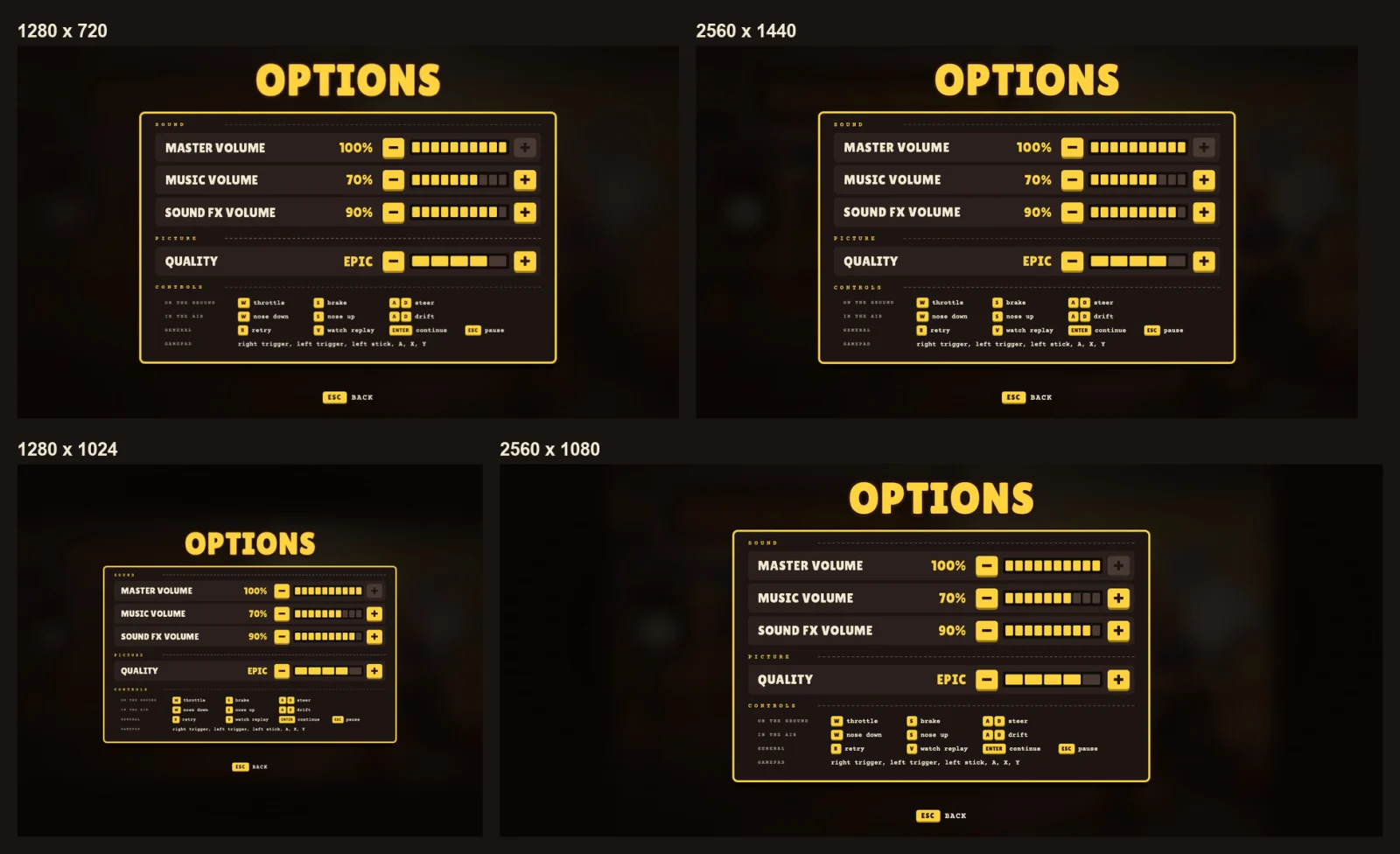
We also checked the screen at four different window sizes, from a small 1280 × 720 window to an extra-wide 2560 × 1080 one. The layout holds at all four.

Why

Sound is one of the first things players want to change. Some want the music quieter than the bike, some want no music at all, and a game that makes you set it again on every start is annoying.

The window size check is for later. The game is made for Windows PCs, but a layout that holds at different sizes and shapes means a possible mobile version in future would not have to start the menus from scratch.

The options screen of the game. A big yellow title, Options, above a dark panel with a yellow border. Under Sound: master volume 100%, music volume 70% and sound FX volume 90%, each with minus and plus buttons and a row of yellow blocks. Under Picture: quality, set to Epic. Under Controls: the keys for riding on the ground, in the air and general keys, plus the gamepad buttons. At the bottom, ESC for back.
The new options screen: three volume settings, picture quality and the controls.
The same options screen shown at four window sizes, each labelled: 1280 x 720, 2560 x 1440, 1280 x 1024 and 2560 x 1080. In every one the title, the panel and the back key stay centred and nothing is cut off.
The same screen at four window sizes, from nearly square to extra wide.
Tools
  • Unreal Engine 5.9
  • Unreal Canvas
  • GPT 6 Astra
  • Fable 5.2

Day 1Nov 12

Take 005

Day
Day 1
Shot at

Day 1: the main menu buttons are real, and you can try them here

What we did

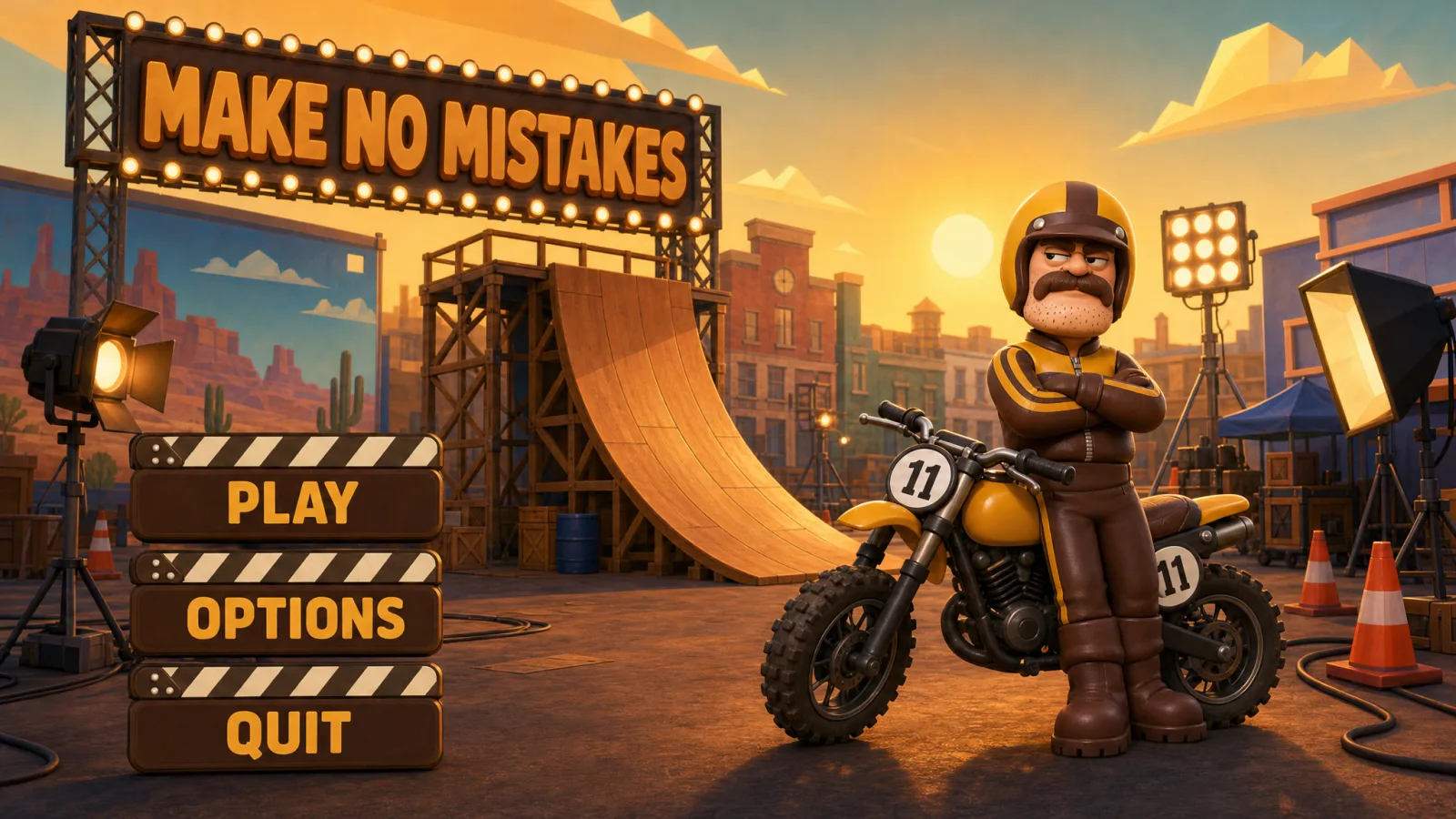
The main menu buttons are real now: clapperboards for Play, Options and Quit, made as transparent images with the clapper arm as its own layer, and you can try them right here on the page. Each button is one image of the board and one image of the arm, sitting on the same canvas, so the arm can swing on its hinge the way a real slate does before it claps.

Why

A clapperboard is the one object everyone knows from a film set, and this whole log is the Director calling every take, so the menu buttons had to be slates you could almost pick up. Keeping the arm as a separate layer means the button can open on hover, then clap shut when you press it, instead of being a flat picture. We are designing and building the interface at the same time the agents are building the bike controls, so the two tracks run side by side and more gets done in the four days.

Main menu, in the page

Hover a button, or tab to it, to lift the clapper. Click or tap to clap it shut.

This is a demo of the menu buttons, built from the concept art. They are not wired to the game yet, so nothing here starts anything.

Tools
  • GPT 2.6 Images
  • HTML
  • CSS
  • Unreal Canvas
  • GPT 6 Astra
  • Fable 5.2

Take 002

Day
Day 1
Shot at
Stills
2

Day 1: Bud Sprocket steps onto the set

What we did

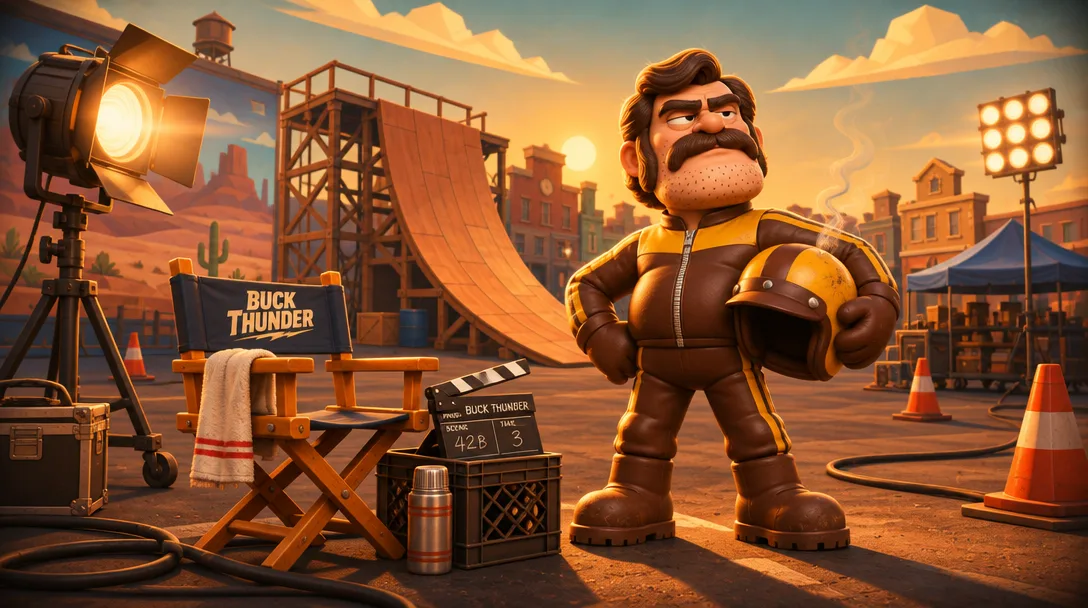
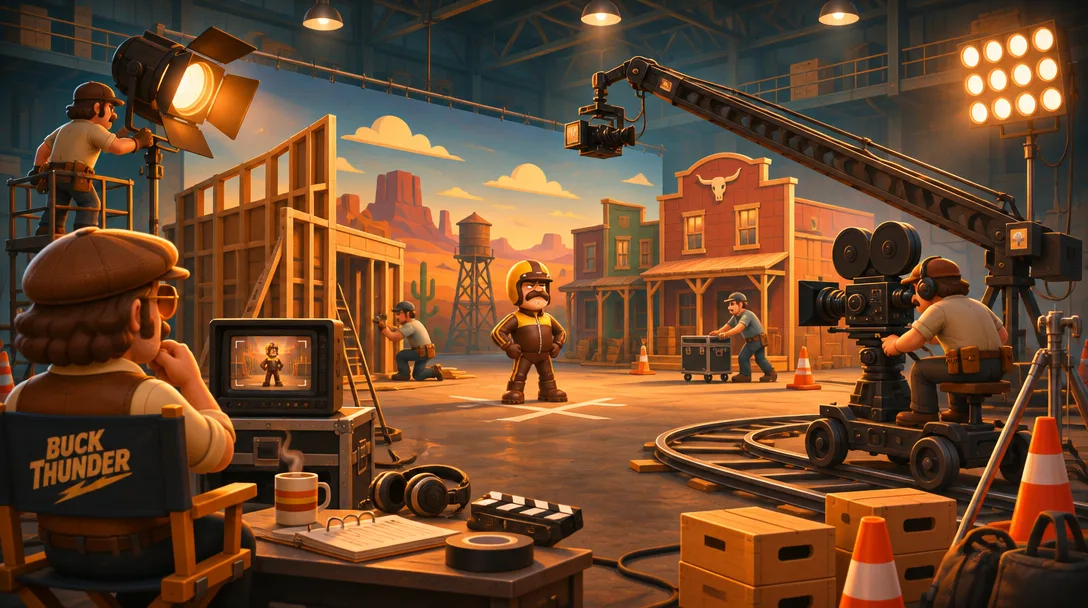
Two more look-and-feel frames. One shows Bud Sprocket, our stunt rider, on the backlot: helmet under his arm, ramp behind him, his own director's chair waiting. The other pulls back to the full soundstage, with a crew dressing a western set, a camera on a crane and a dolly track, and a director watching the monitor.

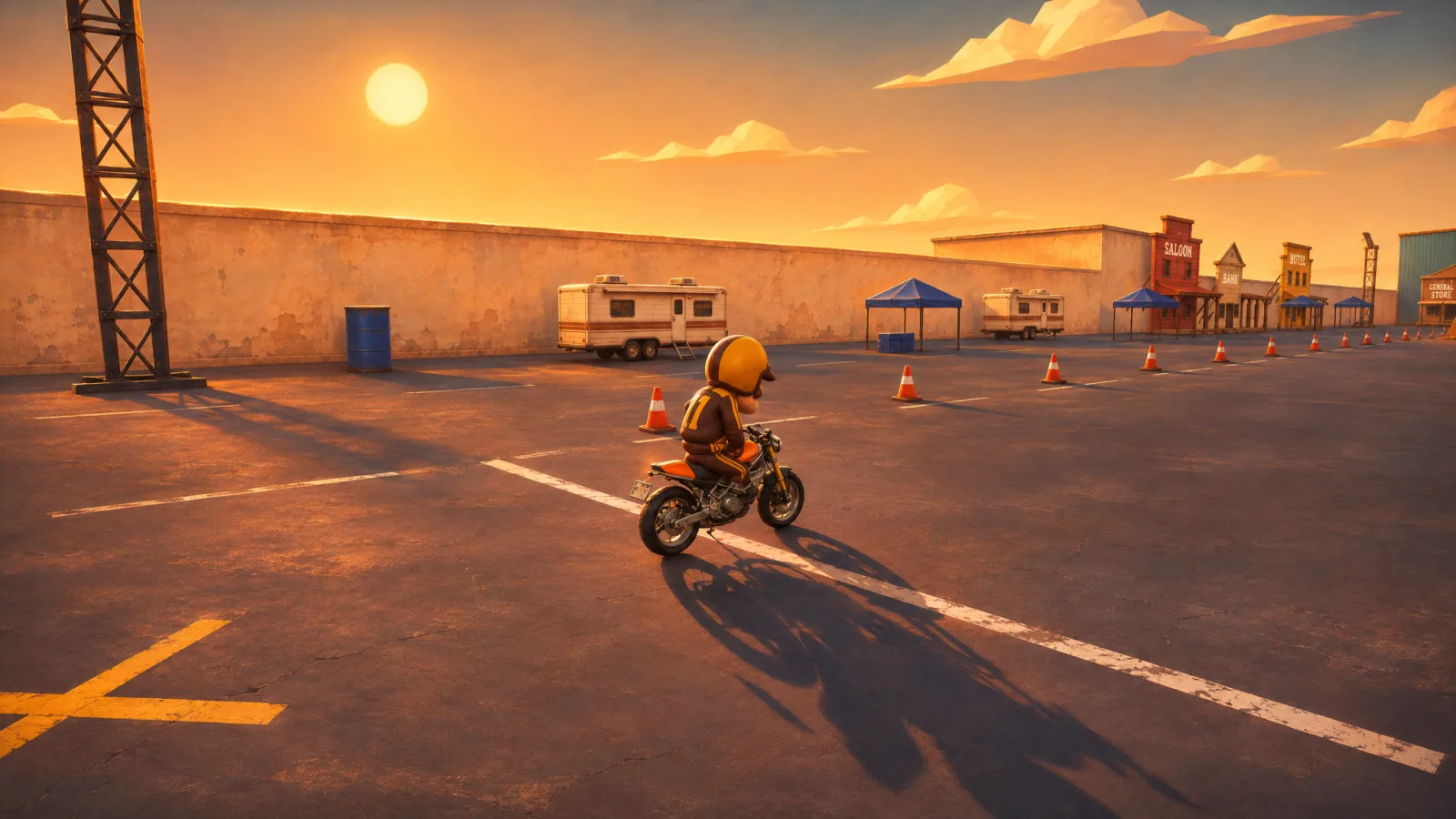
They set the tone: warm golden-hour light, chunky toy-like characters, and a film set that's in on the joke.

Why

Make No Mistakes is about a stunt being reshot until it gets ridiculous, so the set and the crew are part of the game, not just the rider. Pinning that down now gives the build days one shared picture to work toward.

Bud Sprocket, a stocky cartoon stunt rider with a big mustache in a brown-and-mustard leather suit, stands on a golden-hour film backlot holding his helmet. Behind him are a tall wooden stunt ramp and studio lights; beside him is a director's chair and a clapperboard.
Bud Sprocket on the backlot: helmet off, ramp up, chair waiting.
A wide view of a soundstage dressed as a western town under a painted desert backdrop. Crew members build sets and push gear, a camera sits on a crane and another on a dolly track, and Bud Sprocket stands on his mark while a director in a folding chair watches him on a monitor.
The full set: crew, crane, dolly track, and the director watching the monitor.
Tools
  • GPT 2.6 Images
  • GPT 6 Astra
  • Fable 5.2

Day 0Nov 11

Take 001

Day
Day 0
Shot at
Stills
2

Day 0: first brainstorm, scouts out

What we did

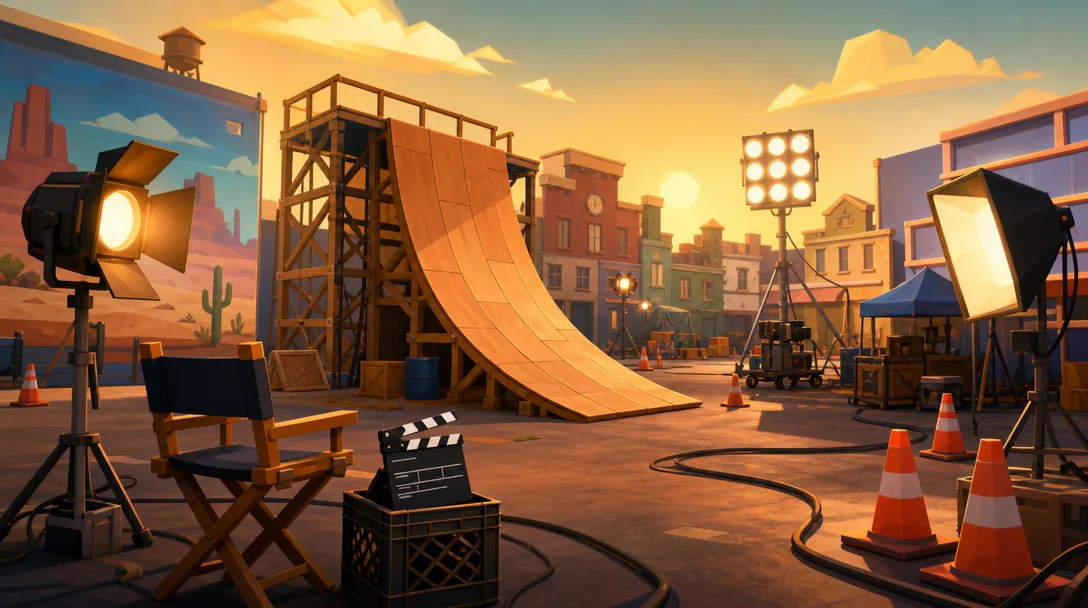
The clock started at 11:00 PM Pacific. We opened with our first brainstorm on Make No Mistakes, a stunt game for the jam's Director's Cut theme, and sent the agents out on exploratory work. Tonight is for looking around, not building yet.

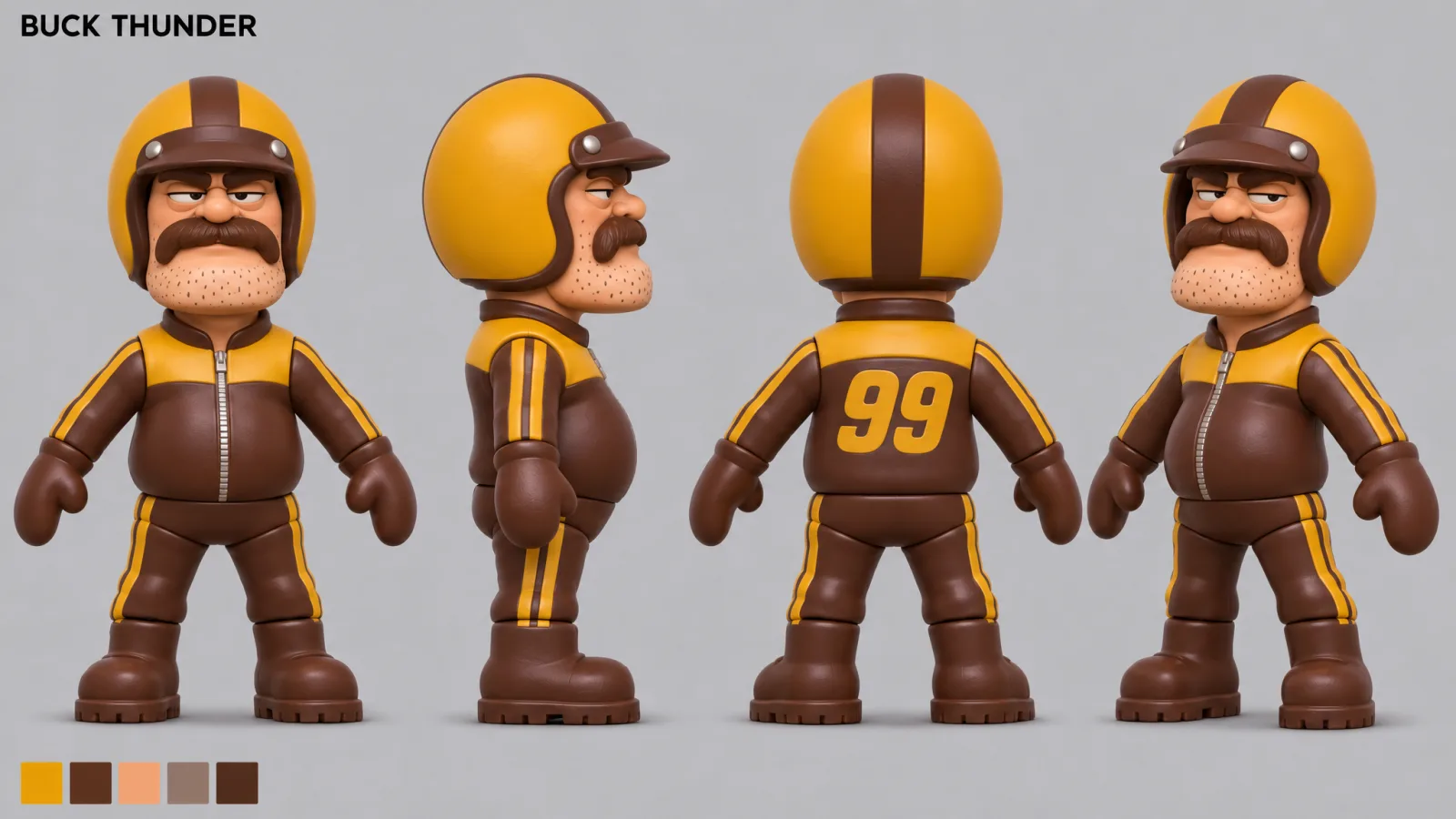
Part of the brainstorm was look and feel. The two frames here came out of it: a stunt rider, and the backlot he works on.

Why

Four days is short. Exploring before we commit means the build days start with a direction instead of a guess. The bikes are the one piece we start from: the Advanced Bikes asset from FAB, declared at the bottom of this page.

A cartoon film backlot at golden hour: a tall wooden stunt ramp, film lights on stands, a director's chair, a clapperboard in a crate, traffic cones, and a painted desert backdrop.
Look-and-feel exploration: the backlot at golden hour, ramp up, lights on.
Character turnaround of Bud Sprocket, a stocky toy-like stunt rider with a mustache, mustard-and-brown helmet and leather suit with the number 99 on the back, shown front, side, back and three-quarter, with five colour swatches.
Look-and-feel exploration: Bud Sprocket, stunt rider, in four views with his colours.
Tools
  • FAB
  • GPT 6 Astra
  • Fable 5.2

Epic asks entrants to declare anything published before the build window opened. One asset we use was, and the jam allows it.

Prompts, scripts and assets published before the build window opened
ItemTypeMadeMade byUsed for
Advanced Bikes Asset Before the window Third party, published on FAB Bikes for Make No Mistakes. Published on FAB before the window; the jam allows it.